6 time tracking tools for freelancers
Check out our time tracking tool list with the top 6 options for freelancers, complete with pros and cons, and find the perfect solution for managing your time.
Anyone who does freelance work knows that time is money. Changing how you spend time is one of the best steps you can take to be more productive, organized, and efficient at work, saving you time in the long run. If you are looking to start getting serious about time management, then time tracking tools are just what you’re looking for.
How to choose a freelance time tracker
Choosing a time tracker for freelance work is all about finding the software that suits your needs and your budget. Some of the things that you should consider include:
- how detailed the reports are
- how easy it is to use
- integrations with other platforms
- your workflow
- the costs
Take all these factors into consideration when you’re choosing your product.
What is time tracking?
A time tracker does exactly what the name suggests: it tracks the amount of time spent on a given task and provides a detailed report detailing the data. Freelancers usually use them to help organize their efforts to complete their tasks.
For example, time tracking software can serve as a project time tracking tool. Not only does this help you improve your productivity, but also provides you with concrete data on how much time you spend working on a freelance project. If you’re billing your clients on an hourly basis, this will be necessary.
What makes time tracking software excellent?
With so many options to choose from, it can be a bit overwhelming to choose the right time tracking tool. That’s why it’s important to weigh in on the features that each offers. We’re going over some of the features offered that make some time tracker apps stand out from the rest.
Live timer
A live timer is intuitive, because, as the name suggests, it tracks the time you’re spending on a task live. Some time tracking apps require their users to manually enter the information themselves, so having an automated process giving you accurate, real-time results is much simpler.
Time edits
Time edits are useful because it allows you to do more than just enter or edit times. Using this feature, you can customize the entry in whatever way you want. You can edit descriptions to include the names of the tasks or other pieces of information.
Detailed reports
Having detailed reports is probably the most important thing to look for. You want reports that give you the information you need in an easy to comprehend way. You’ll be getting the information you need to make decisions. So make sure you get a program that gives you all the information you’re looking for.
The best time tracking tools for freelance work
Here we’ll look at what we consider to be the 6 best time tracking tools for freelancers, comparing their pros and cons as well as their pricing.
ClickUp
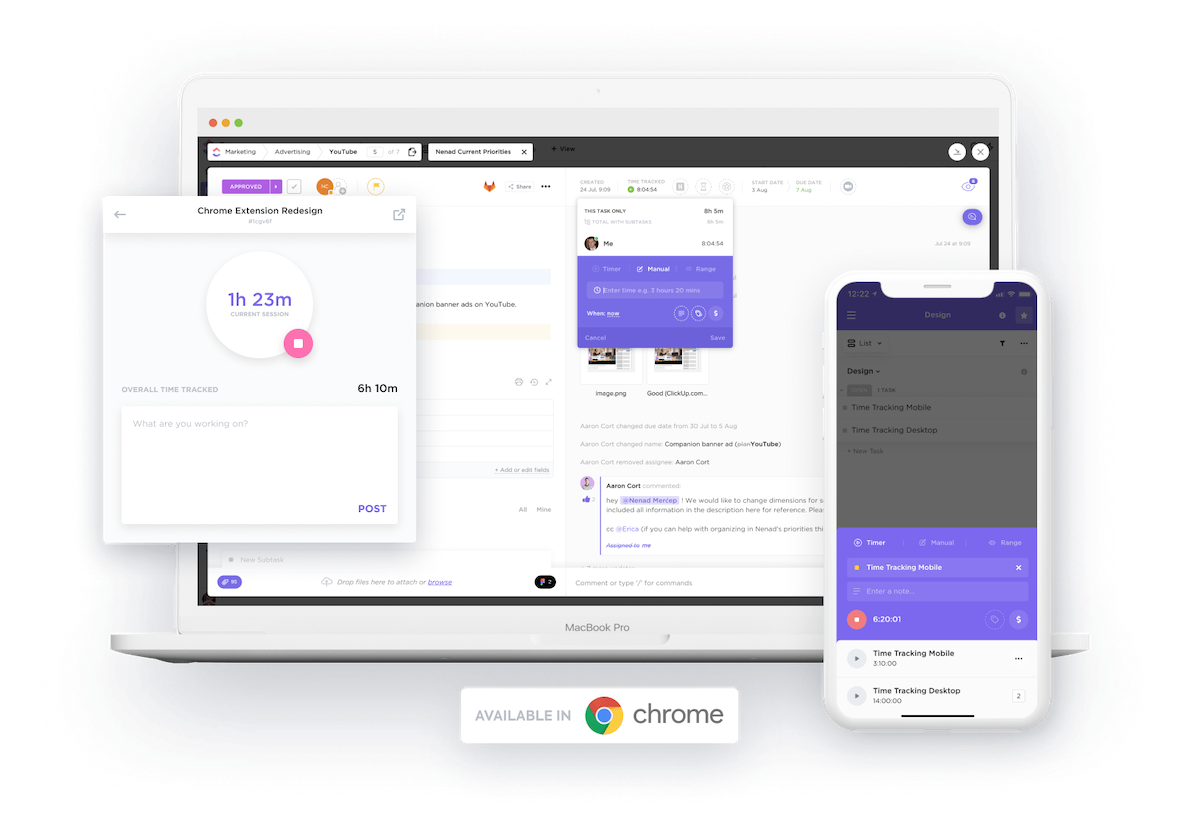
ClickUp takes care of all your project management needs, with a great time tracking tool feature for freelance work.
Pros
- Several customizable tools at an affordable rate
- Offers several templates for managing projects in diverse fields like Finance or Design
- Can be integrated with other project management tools like Trello
Cons
- The free option does not include features like reports and unlimited storage
- A lot of customization is required to get you the information you want from your reports
ClickUp offers a free product as well as paid plans. Keep in mind that paid products offer more services. You can choose Free Forever for personal use, Unlimited for small teams/solo businesses with regular collaborators, for $5 per member/month,Business for mid-sized teams for $12 per member/month, and Business Plus for $19 per member/month. For even larger teams, you can opt for Enterprise , and contact their Sales Team to get a quote.
Clockify
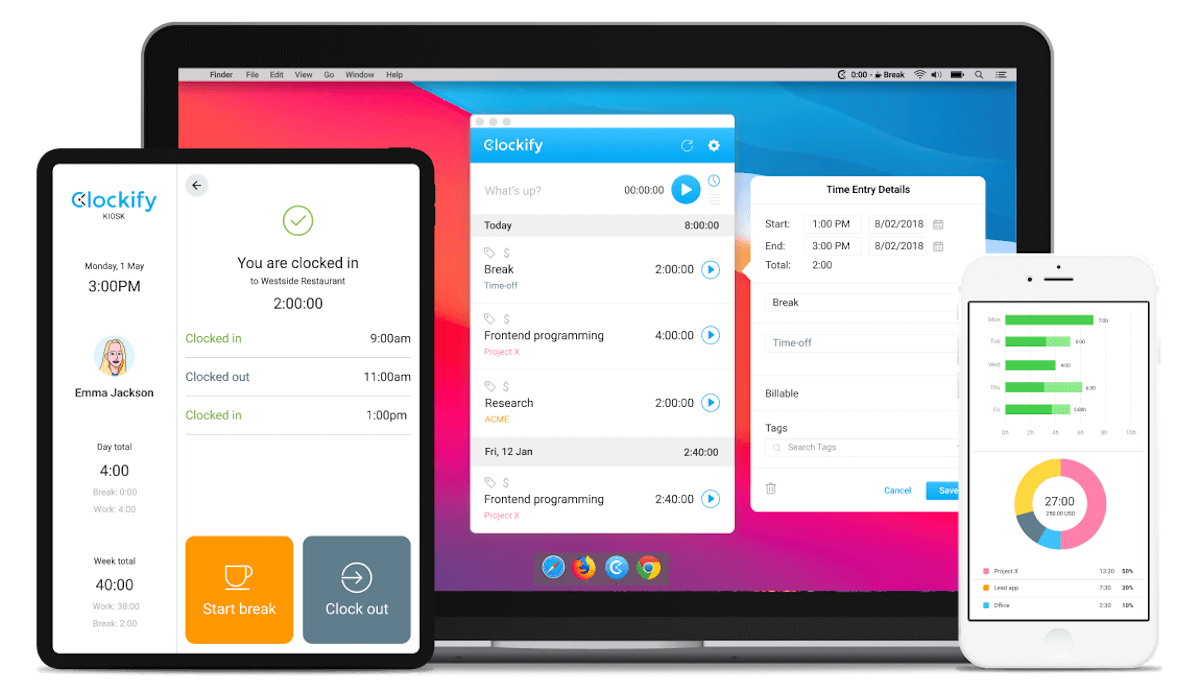
Clockify is a comprehensive time tracking tool for freelancers to track work hours, enter timesheets, and manage their time through calendars.
Pros
- Simple and easy to use
- Has many ways to clock in work and track progress
- Automated time tracker helps monitor activity and create timesheets
Cons
- Relatively few customization options
- The built-in invoicing feature is not functional enough
Clockify has a freemium plan, but you need to upgrade to paid plans to access more features. The Basic plan is $3.99 per user/month (if billed annually) and includes admin features. The Standard plan is**$5.49 per user/month** (if billed annually) and comes with in-depth timesheeting features.
Toggl
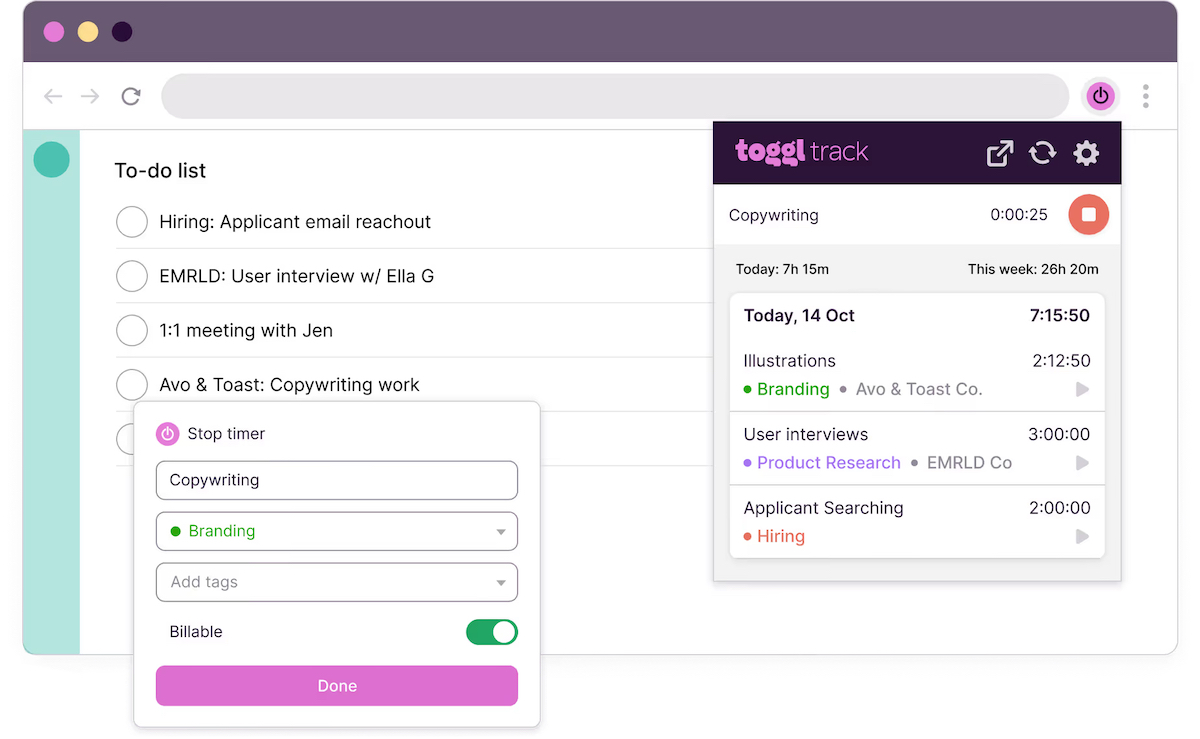
Toggl Track is a great time tracking tool for consultants or freelancers that offers easy-to-use services at affordable options.
Pros
- Easy to use systems
- Insightful and customizable reports
- Optimized for PC, mobile devices, and several apps
- Has a free option with helpful features
Cons
- Limited use beyond time tracking, for example, cannot use to schedule
- Team plans are more expensive than other time tracking tools
Besides the free option (up to 5 users), there are also two paid options. Starter has more features than the free version and costs $9 a month per user, and Premium has more features than Starter and costs $18 per month per user**.**
Timely
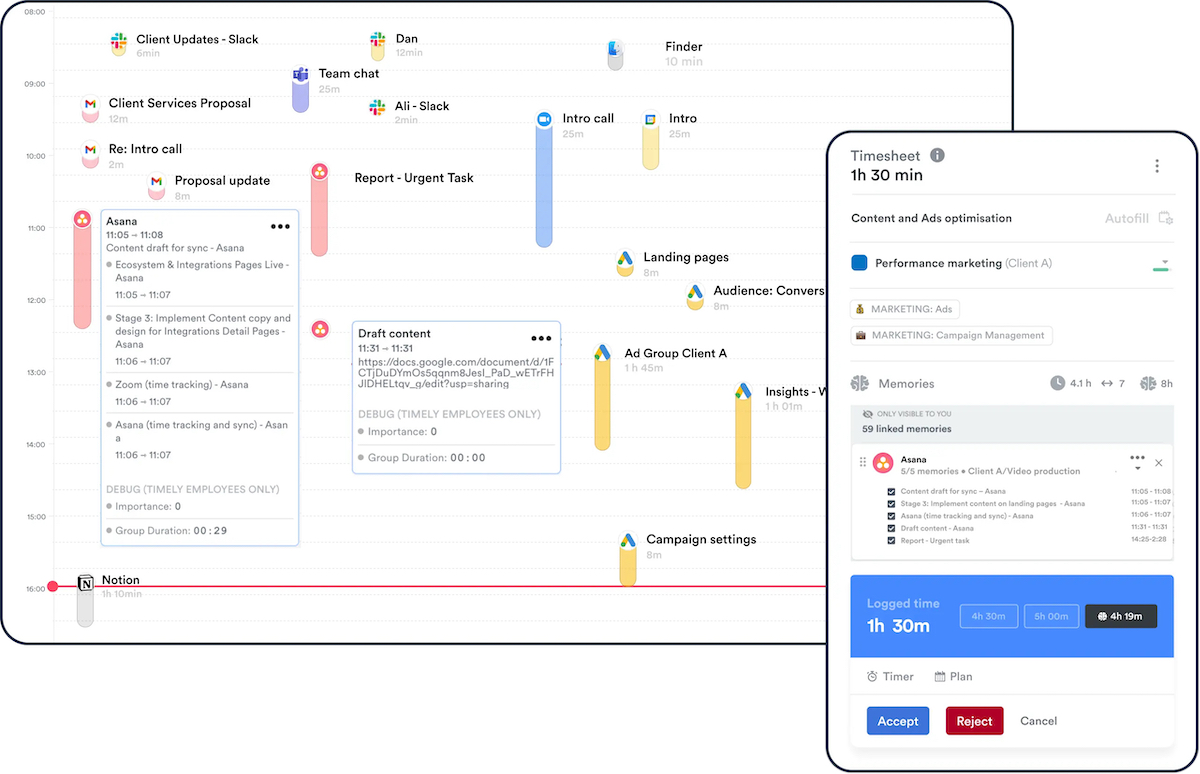
Timely is an AI-powered time tracker tool that creates accurate timesheets and boosts productivity with complementary features.
Pros
- Automated time tracking reduces interruptions
- Accurate, AI-driven calculations reduce errors
- Prioritizes privacy, advocates for anti-surveillance
Cons
- No free plans
- No website blocking for focus time
Timely has three plans to choose from: Starter($9 per user/month , with up to 50 projects and 3 teams), Premium($16 per user/month , unlimited projects & teams), Unlimited($22 per user/month , unlimited projects, teams, features, and capacity).
Traqq
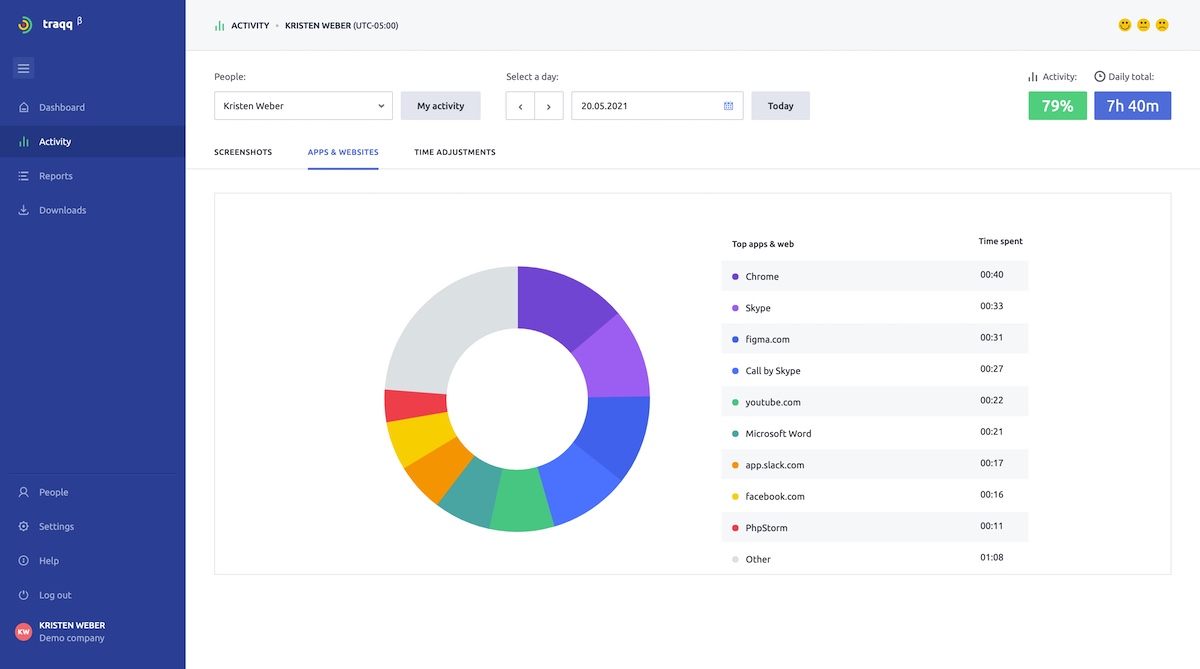
Traqq is a simple time tracking tool where you can automate your timesheets and productivity reports, optimized for multiple devices.
Pros
- Quick setup, easy use
- Free for up to 3 users (perfect for freelance time tracking)
- Provides offline time tracking (syncs data once you’re back online)
Cons
- Limited functions that focus primarily on time tracking
- No integrations available
If you’re a freelancer or a small business that requires up to 3 seats, you can access all the premium features of Traqq completely free. For teams between 4 to 100 people, the Premium Teams plan costs $6 per user/month. If you want to use Traqq for larger teams of over 100 people, you can contact their Sales Team for a quote.
Time Doctor
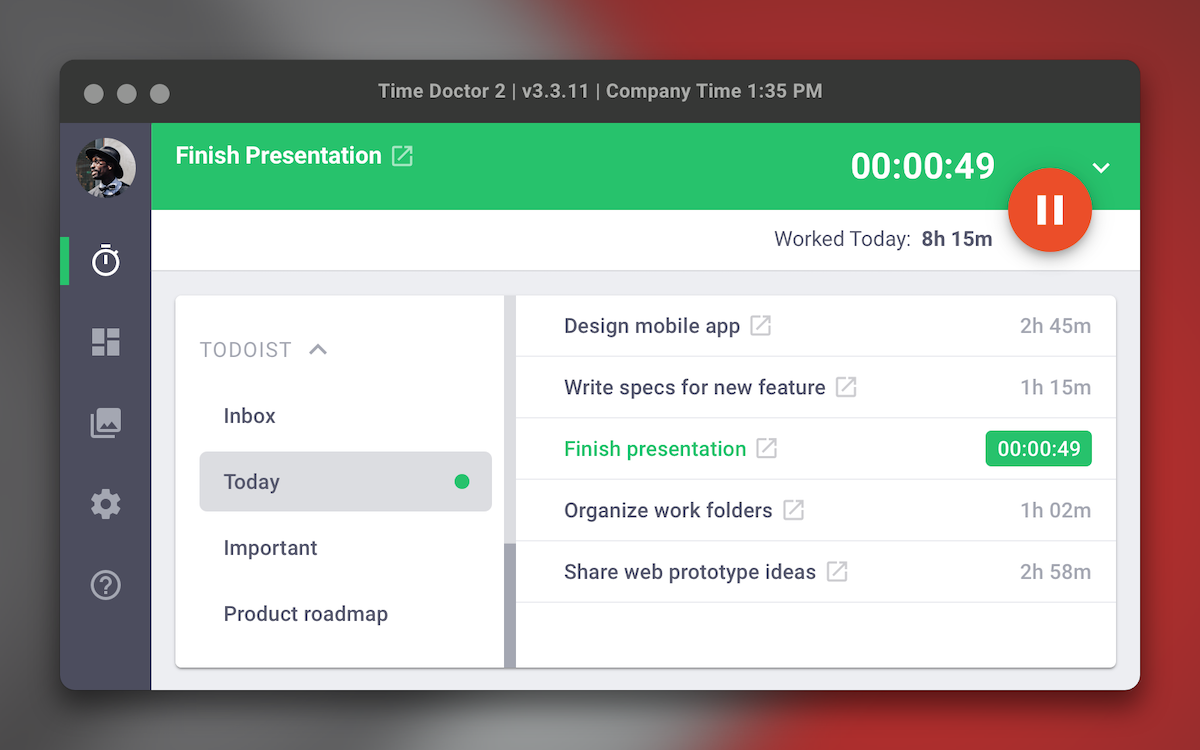
Time Doctor is a time tracking tool helping you manage timesheets for a team, track your time for productivity, and any other business needs you may have.
Pros
- Seamless integration across PC and mobile
- Can manage team schedules
- Provides detailed information that helps boost productivity
Cons
- Dated UI/interface that can be hard to use
- Can be expensive for a small team
Time Doctor offers a free trial as well as three paid plans with more features. The Basic plan costs $5.90 per user/month , the Standard plan costs $8.40 per user/month and the Premium plan is $16.70 per user/month.
Elevate your freelance work with time tracking tools
Time tracking apps make running your business easier by showing the ways that you can be more productive and manage or collaborate with a remote team, with extra features to make freelance work much more seamless. They give you the information necessary to make smart moves for working more efficiently, saving time and money.
Paired with Ruul as your work, finance, and compliance partner, you will be well on your way to success with minimal stress. Join Ruul now to get started.
Related articles
What is Freelance Transcription? What are Freelance Transcription Jobs?
WorkApr 5, 2026
AI for Freelancers: The Complete Guide (2026)
WorkJun 2, 2026
Designer's Guide to Dribbble
WorkApr 22, 2026
Mastering Canva: A Beginner’s Guide on How to Use Canva Effectively
WorkApr 5, 2026
Best Contra Alternatives for Freelancers
WorkApr 22, 2026