Best Link-in-Bio Tools for Freelancers
Discover the top link-in-bio tools for freelancers to sell services, accept payments, issue invoices, and simplify client workflows—without needing a full website.
As an independent, you don’t need a full website to sell your services or get paid — a smart, all-in-one link can be a great solution: Link-in-bio.
Think of it as a single link that replaces five: your portfolio, payment page, service list, contact form, and invoice generator.
Instead of juggling different tools, one link can do it all. That’s exactly what link-in-bio tools are built for.
We know there are many options and it’s not a good move to use all. That’s why we wanted to analyze link-in-bio tools through the lens of freelance service-selling.
Here, explore the top link-in-bio tools for freelancers and creators, their features, and how they can transform your workflow.
What are link-in-bio tools?
Link-in-bio tools are landing pages that independents, freelancers, creators, and entrepreneurs use to gather useful information in one place and list services and packages to sell. This serves deeper info in a digestible and actionable way.
These tools often include additional features like payment buttons, contact forms, digital downloads, and booking options—turning your bio link into a mini website.
Why freelancers need link-in-bio tools
From our research and analysis, we found these four benefits are good reasons to start using link-in-bio tools right away.
- Centralized Online Presence : Freelancers often juggle portfolios, booking tools, and multiple platforms. A link-in-bio tool puts everything in one place. So your audience doesn’t have to guess where to go next.
- Enhanced Discoverability : One smart link helps route traffic from social bios to your best work, top services, or latest content. It’s a fast track to conversion.
- Improved Engagement : These tools give you more than just a landing page—they show you what works. Track link clicks, view drop-offs, and see what actually drives interest.
- Monetization Opportunities : Accept payments without friction. Whether it’s for a digital product, a freelance service, or just a coffee tip—your link can now be a direct income source.
Now, let’s unpack the tools that can help you achieve all this and more.
The best link-in-bio tools for freelancers
1. Beacons
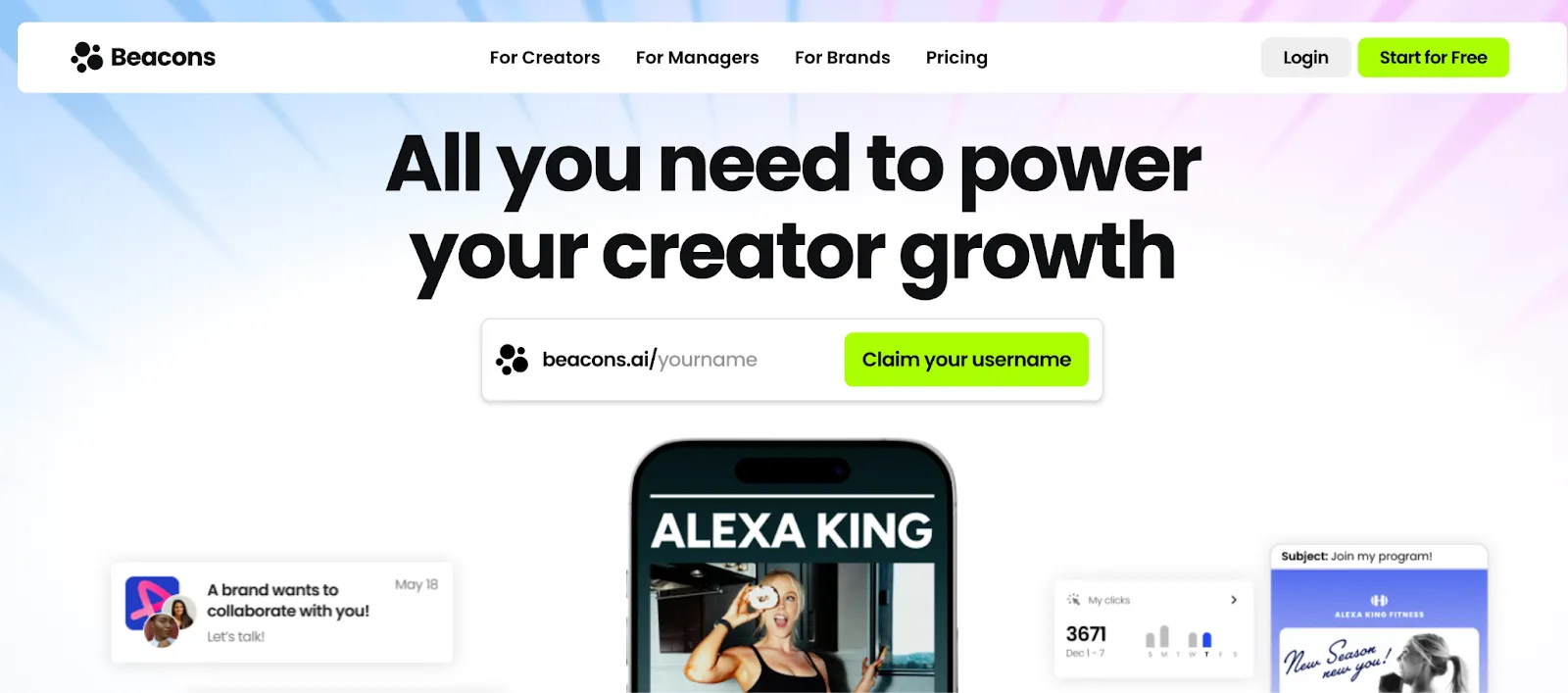
Beacons is a bio link tool designed to help creators and entrepreneurs monetize their online presence.
It offers features like digital product sales, subscriptions, customizable contact forms, and seamless payment integrations.
Why it stands out:
- DIY builder with monetization modules
- Built-in email, scheduling, forms
- Custom branding with analytics
Best for: Creators or freelancers with products, content, or coaching
Use cases: Selling digital products, booking sessions, accepting tips, collecting emails, and running coaching offers.
What makes it different from others: Focused on creator commerce, not B2B client work.
Pricing: Free plan available. Pro starts at $10/month.
2. Contra Portfolios
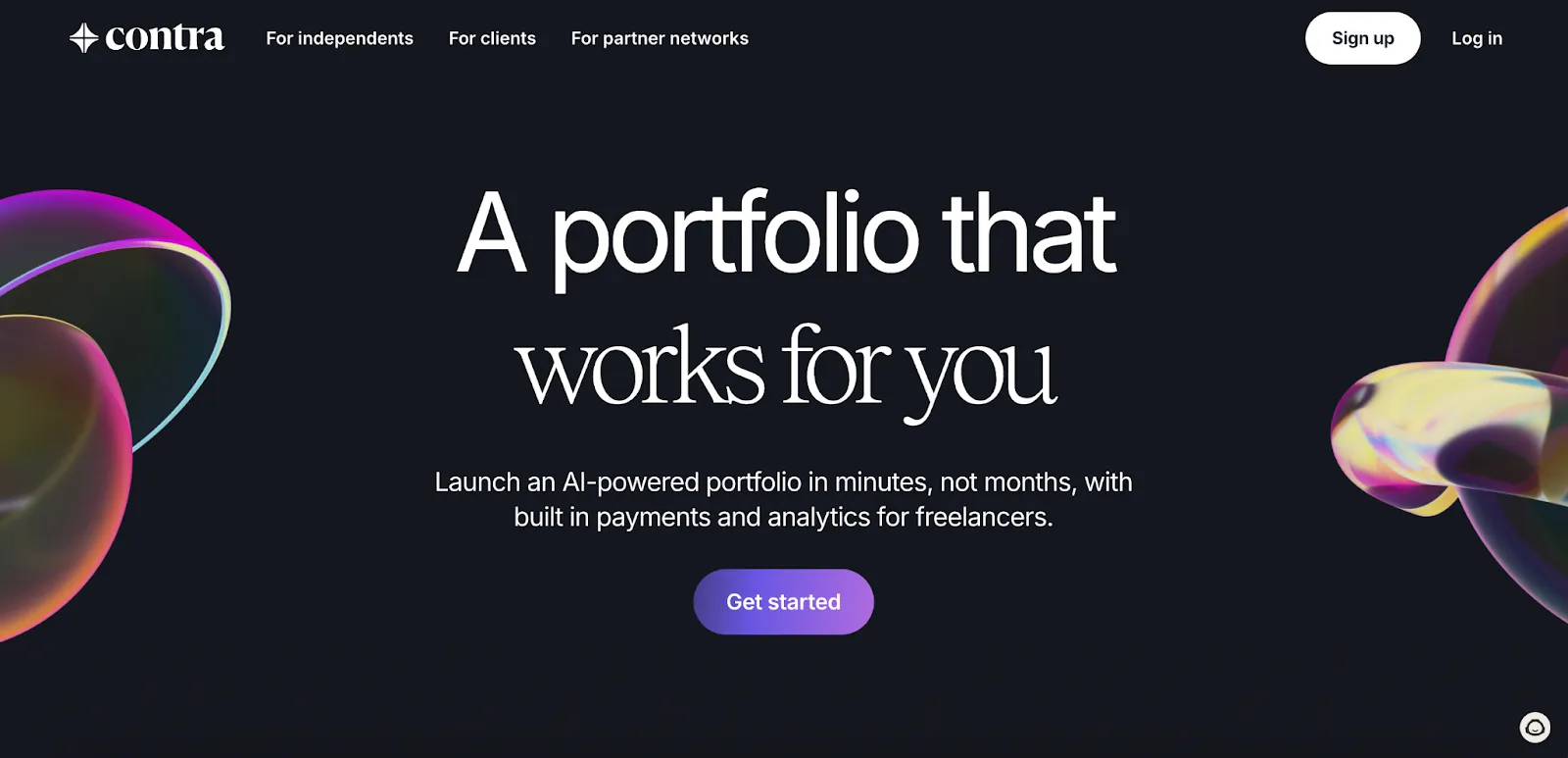
Contra, a freelancer platform, combines portfolios, service listings, and client booking with payment.
Why it stands out:
- Discovery-focused with client reviews
- No platform commission
- Built-in proposal flow
Best for: Freelancers who want to showcase work and get hired directly
Use cases: Creating a freelance portfolio, offering services, accepting bookings, and collecting testimonials.
What makes it different from others: Contra offers client discovery and bookings.
Pricing: Free to use. Optional Pro features are available for visibility for $29/month.
3. Carrd
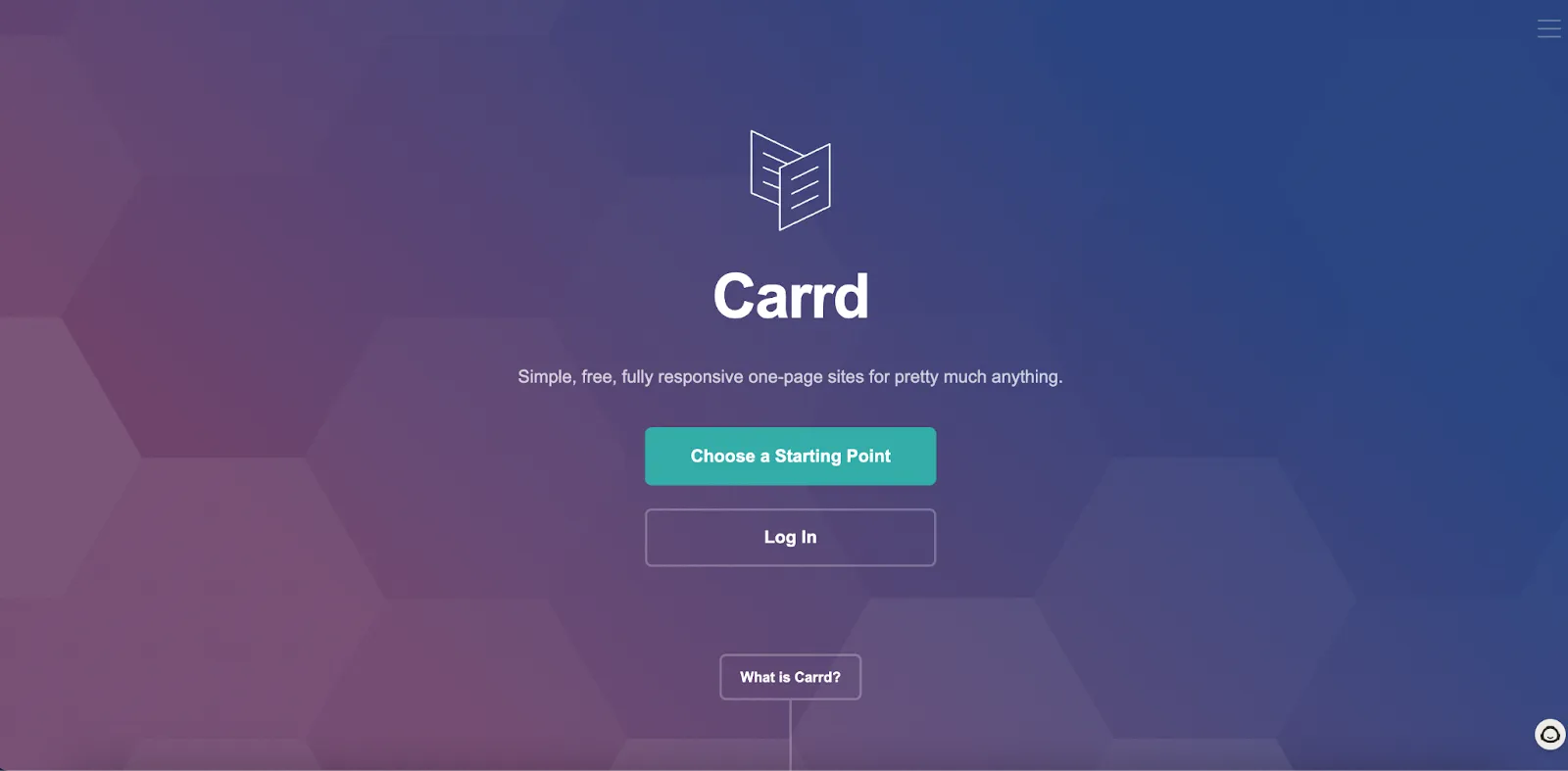
A one-page website builder — ideal for freelancer portfolios, resumes, or service pages. Carrd is a simple, user-friendly platform that lets you create sleek, responsive websites in minutes.
You can find different customizable templates with drag-and-drop functionality. It may require some skills to use templates for a well-structured page.
Why it stands out:
- Supports embeds
- Various templates
Best for: Freelancers who want a clean personal site
Use cases: Personal branding, building a one-page resume, showcasing freelance services or side projects.
What makes it different from others: It’s a presentation tool, not a business layer.
Pricing: Free plan available. Pro starts at $19/year.
4. Canva Link in Bio
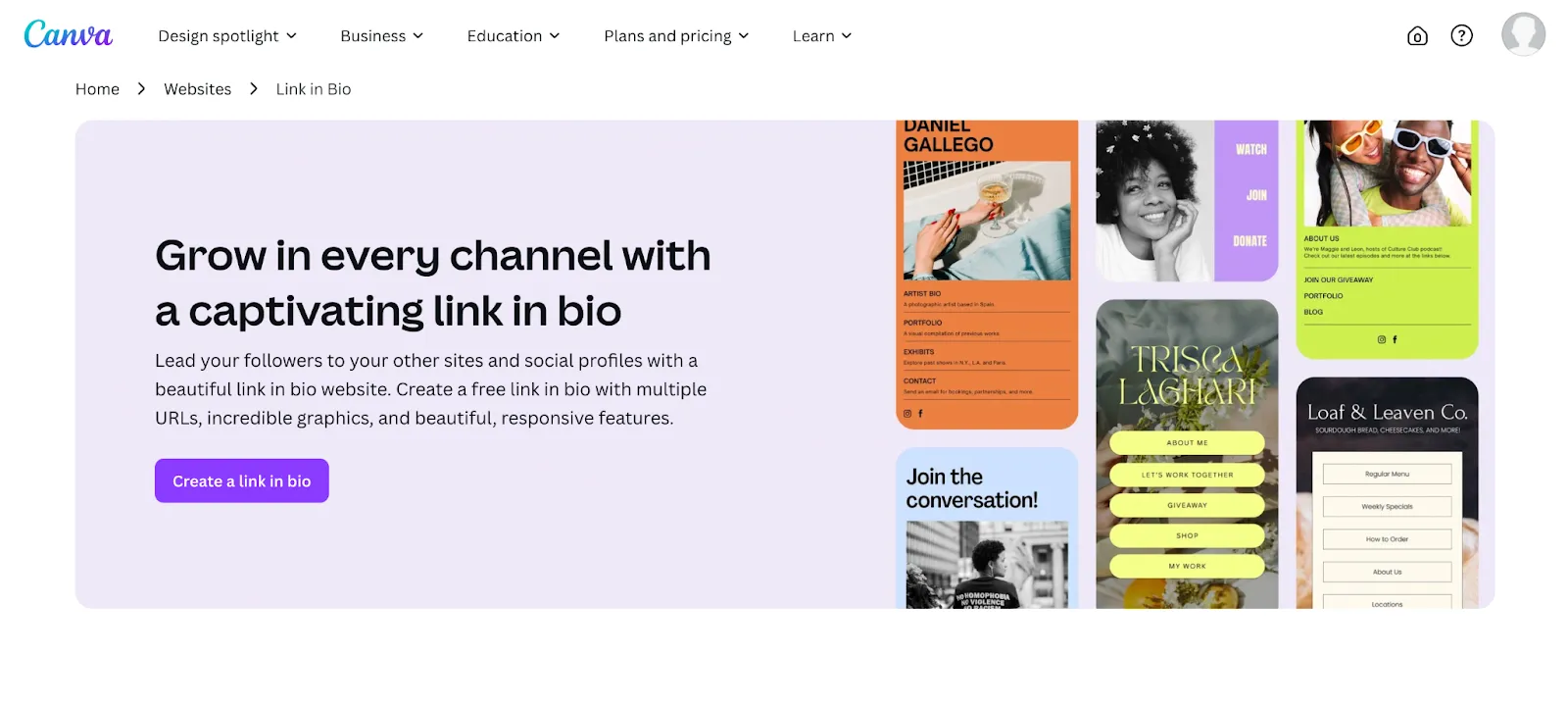
A design-first tool that transforms your Canva visuals into custom, branded link pages for your social media bios.
With Canva Link in Bio, you can create visually appealing, fully customizable pages to showcase your content, links, and brand identity.
Why it stands out:
- Total design freedom
- Keeps brand consistency
- Easy to update visuals
Best for: Visual-first freelancers and creators
Use cases: Designing branded link pages, linking out to products, services, content, and social media profiles.
What makes it different from others: Most visual customization. Zero transactional tools built-in.
Pricing: Included in Canva Free and Pro. Pro starts at $12.99/month.
5. Linktree
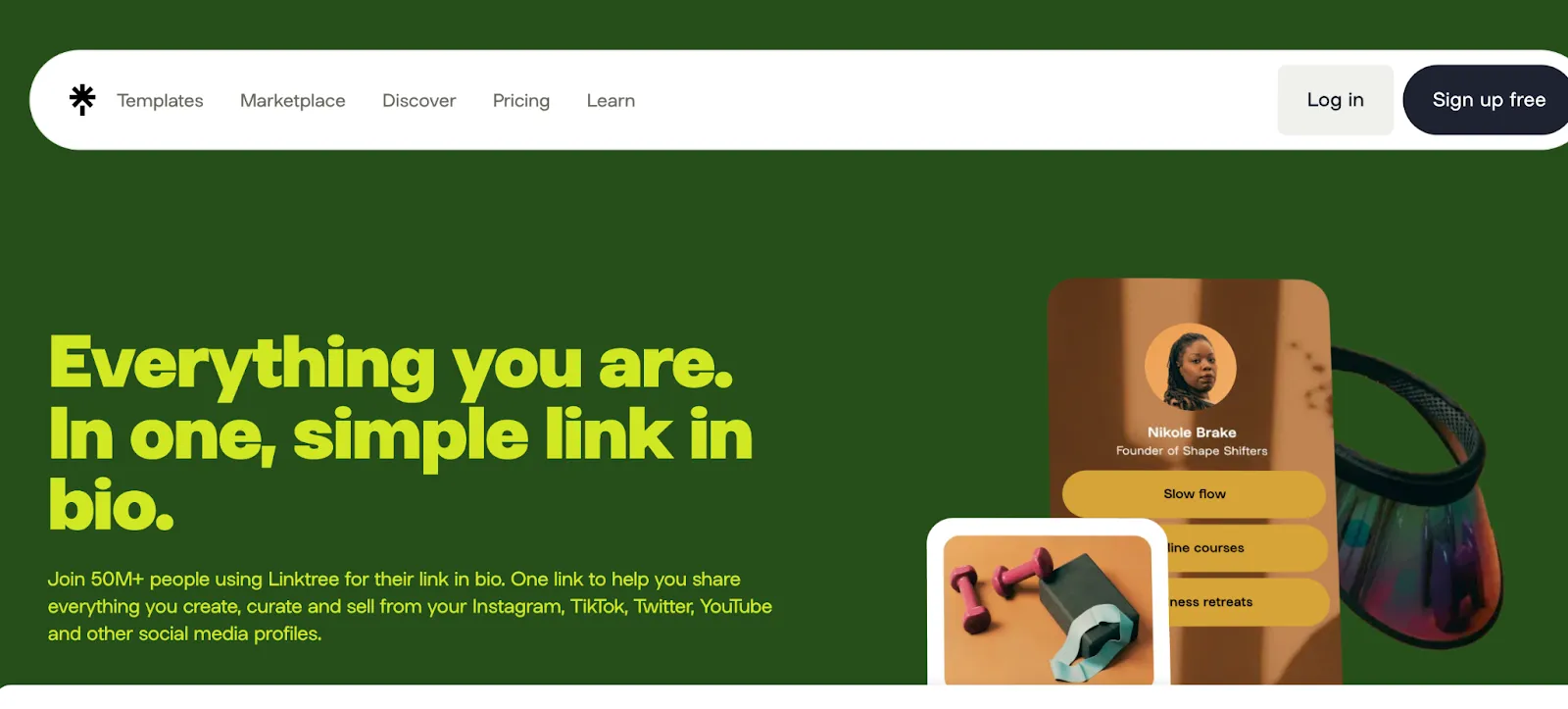
A simple and effective landing page for sharing multiple links from one URL, Linktree allows you to consolidate all your important content, social media profiles, websites, or promotions in one place.
Linktree can be a good option to bring your various profiles and pages together, so that your clients can choose from. However, simplicity is the key to encouraging clients to take action. We recommend you use a minimum of options with a strategic prioritization.
Why it stands out:
- Fastest setup
- Built-in analytics
- Familiar interface
Best for: People with many destinations (blog, socials, store)
Use cases: Aggregating multiple links, driving traffic from social bios, promoting content or products.
What makes it different from others: Linktree is a link hub, doesn’t support transactions or service listings.
Pricing: Free plan available. Paid options start at $3/month.
6. Koji
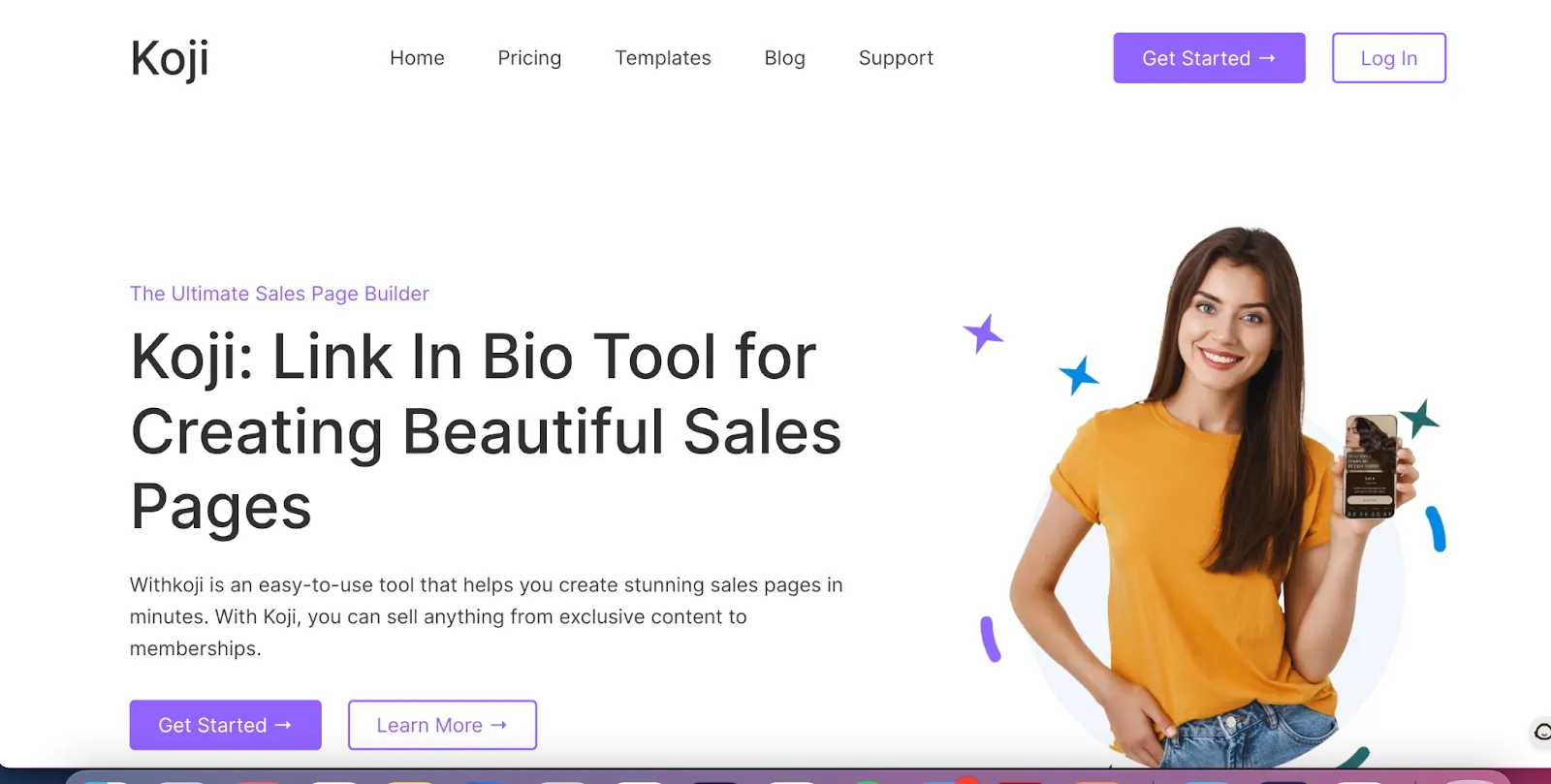
Koji features plug-and-play mini-apps for tips, bookings, downloads, and more, allowing creators to engage with their audience in new ways.
With Koji, you can monetize content, sell digital products, run promotions, and customize your profile to reflect your brand.
Why it stands out:
- Gamified interactions
- Built-in crypto and micro payments
- Social-focused monetization
Best for: Creators with interactive or community content
Use cases: Offering tips, selling downloads, taking bookings, engaging audiences with interactive apps.
What makes it different from others: App-store model—lots of embedded experiences in one page. Focused on audience engagement.
Pricing: Free to use. Takes a percentage of transactions depending on the app.
7. Dribbble Service Pages
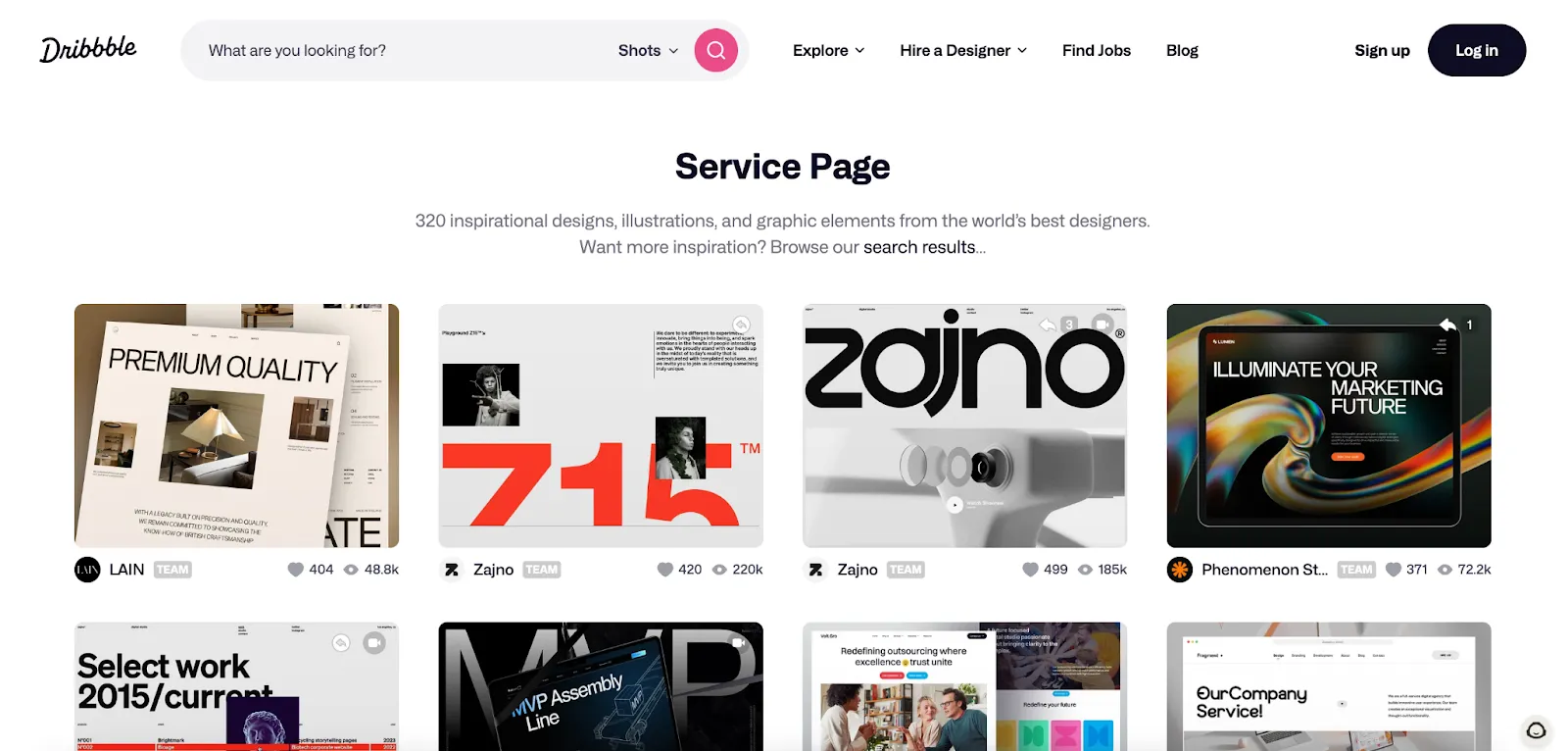
Dribbble’s Service Pages are designed to help creative professionals showcase what they offer and get discovered by potential clients.
They combine portfolio highlights, service details, and contact options in one clean layout.
Why it stands out:
- Visually polished and easy to navigate
- Integrated with your Dribbble profile and portfolio
- Clients can reach out without leaving the platform
Best for: Designers, illustrators, and visual creatives looking to attract design-specific clients
Use cases: Showcasing design services, listing packages, capturing leads from Dribbble traffic
What makes it different from others: Built into a creative-focused platform, Dribbble Service Pages work best as a portfolio extension, not a full billing or checkout solution.
Pricing: Included with Dribbble Pro; starts at $16/month. Well, costs can be confusing for Dribbble. Here is how they describe: “In addition to the Project Cost (the designer’s fee for delivering the requested work), clients pay a graduated Client Platform Fee of 5% on the first $500 USD of Project Cost, 3.5% on the next $500 USD, and 2% on amounts exceeding $1,000 USD.”
Related articles
The Best Communication Tools for Freelancers and Entrepreneurs
WorkApr 3, 2026
Cold Email Templates for Freelancers: Effective Strategies to Land Clients
WorkApr 22, 2026
How Freelancers Can Benefit from Udemy Courses Effectively
WorkApr 22, 2026
12 Top Freelance Skills to Learn
WorkApr 22, 2026
What is Gumroad? What is the use of Gumroad?
WorkApr 22, 2026