Essential web development tools for freelancers
With so many resources and choices floating around, it can be very difficult to choose the best tools to use as a web developer.
Since web development is among the most in-demand tech skills, there has been a growing interest towards the industry. And with so many resources and choices floating around, it can be very difficult to choose the best tools to use as a web developer.If you’re also at a loss on where to start, don’t worry: Here at Ruul, we compiled a list of web development tools that features each product’s qualities, pros and cons (based on real user reviews), and their costs. You can use this to jumpstart your research and take your freelancing business to the next level. We hope reviewing our list can inspire you to find the best web development tool for you and your business!
Visual Studio Code
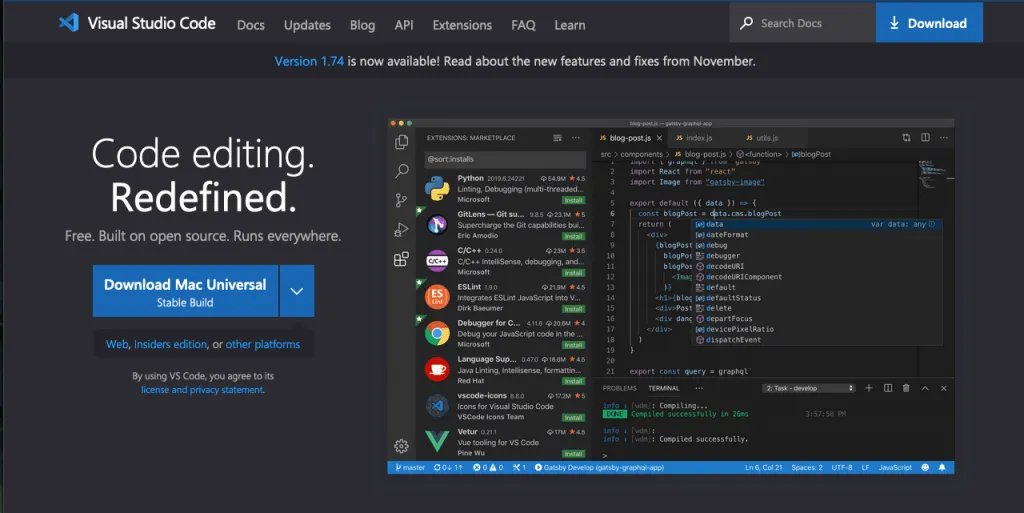
The most integral tool for web developers is a source-code editor, and Visual Studio Code is ready to do the trick. VS Code is developed by Windows, and it’s among the most popular options out there to write, review, and debug your code. Pros:
- Operational on cross-platform devices
- Extensive code editor, autocomplete, debugger, and more
- Able to integrate seamlessly with GitHub
- Features a large amount of extensions
Cons:
- Steep learning curve due to a high number of features and extensions
- Open-source plugins can cause bugs
- Can conduct heavy usage of computer resources, such as memory
Pricing: Free
GitHub
GitHub is the world’s largest repository that allows you to upload, store, track, fix, and collaborate on any code. It’s among the most used and liked open source web development tools , if not the first. Pros:
- Ability to host, automate, and fix issues on large code files
- Easy to track changes and updates in the source code, for personal and collaborative use
- “Copilot” feature that improves your code with AI
- Forum and discussion feature to get help from like-minded professionals
Cons:
- Advanced tasks might be hard to learn, especially if you don’t follow the latest releases
- Slightly complicated UI
- No mobile app version
Pricing: The Basics plan is available for free, while the Team plan is $4/month and the Enterprise plan comes to $21/month for each seat
Adobe tools
Most people think Adobe is only useful as a photo editing and graphic design provider, but there are many products under the Adobe branding that can also be useful for web designers and developers.Below are 2 of Adobe’s web development tools that can help you create websites:
Adobe XD
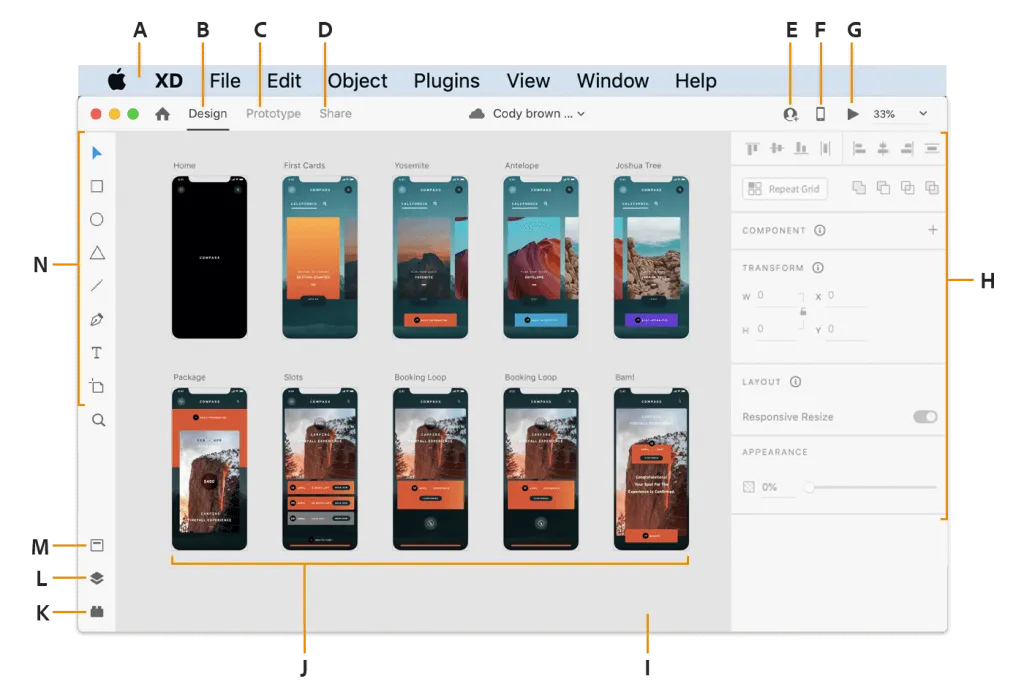
Adobe XD is a vector-based UX & UI design tool, often compared to Figma. It helps you design, prototype, and test the visuals of web pages and mobile apps. Pros:
- Ease of use with drag & drop features
- Provides flexibility while prototyping, especially for mobile apps
Cons:
- Accessing plugins is difficult
- Limited shape design options
- Lacking in creating interactivity and animation
Pricing: On its own, the full version of XD is $9.99/year, with a more limited free version also available. If you want it in a bundle with other Adobe tools, it is also part of the Adobe Creative Cloud, which costs $54.99/month for 20+ apps.
Adobe Dreamweaver
Dreamweaver is among the most popular web design software that can help you create websites, blogs, and even online stores with its high capabilities. It’s also deemed as one of the best platforms for beginners to tinker with CSS and HTML editing. Pros:
- Fit for beginner use, includes quality templates & easy-to-use features
- User-friendly API
Cons:
- Among the more expensive options
- Limited customization
- Requires more resources compared to other alternatives
Pricing: Costs $20.99/month within the Creative Cloud. Again, you can buy the entire bundle of 20+ apps for $54.99/month.
WordPress tools
As a freelance web developer, you’ve definitely heard of (and probably even used) WordPress before. It’s the biggest CMS in the world , and currently has over 55,000 plugins in its marketplace. Within this wide range, it also features very functional web development tools you can use to maximize the efficiency of your WordPress site. Here are 2 of our WordPress plugin suggestions for web development:
Jetpack
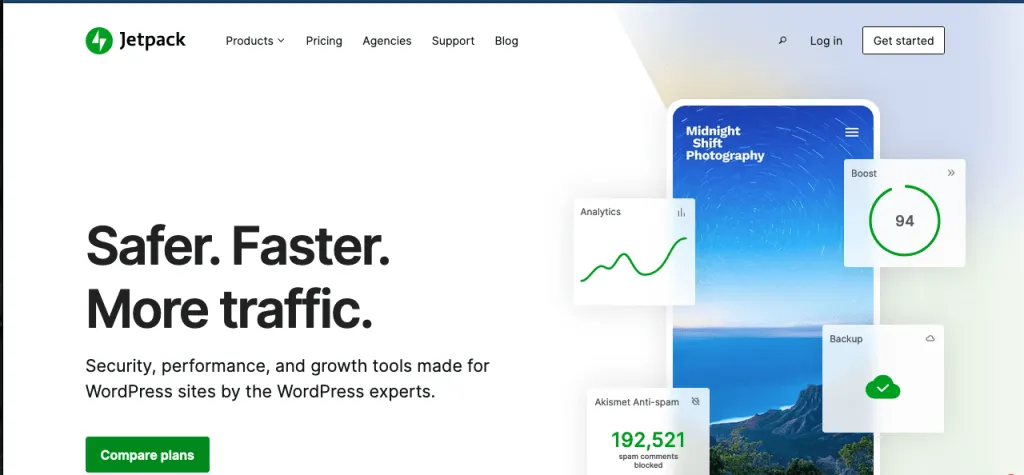
Jetpack was created by Automattic, the very same company behind WordPress.com. It is an all-in-one web development tool designed to enhance the WordPress experience–both for the admins, and the site visitors. It grants access to a larger range of visitor engagement tools (like site stats, more widgets, ads, and likes), more writing and customizing tools (like forms, SEO tools, widgets, and custom CSS), and additional security modules for better protection. The creators also provide a dedicated webpage on how developers can utilize Jetpack.Pros:
- Ability to connect through a free WordPress account, no matter where you are hosting your WordPress site from
- Wide range of tools, widgets, sidebar options
- Extensive data, stats, and analytics reporting
- Mobile-optimized layout
Cons:
- Can be overwhelming and confusing to figure out at first
- Limited functionality in the free & lower versions compared to the rest
- Frequent ads on the free version
- Reported slowness while using the heavier features
Pricing: There is a free core version , with premium additions available through purchase. The Personal plan is $39.99/year, while the Premium plan comes to $99/year. If you want to buy feature-specific bundles, you can do that as well (the most popular ones are the Security and Complete bundles).
Usersnap
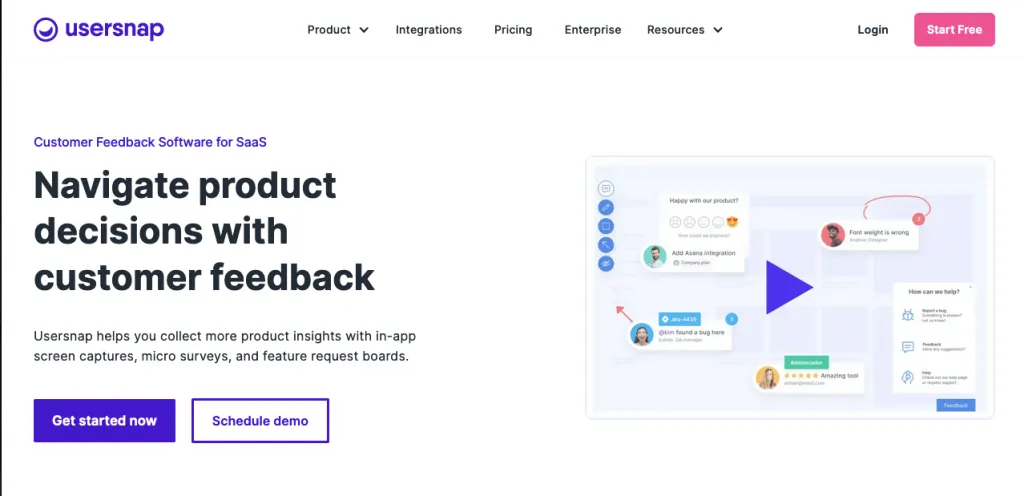
Usersnap is a customer feedback and bug-catching software that is especially essential to keep your high-traffic website afloat. It allows users to quickly submit bug reports, add screen captures, and reach customer support. By helping you with identifying, testing, and fixing bugs; it’s one of the best web development tools to increase security.Pros:
- Provides a swift & effective platform to measure user experience and get bug reports
- Customers satisfaction surveying available
- Over 2,000 integrations (Jira, Zapier, etc.)
Cons:
- Higher cost than most other competitors
- Limited and sometimes buggy dashboard
Pricing: The cheapest option is the Startup plan, which costs €69/month. There are other plans with different ranges of features available.
Codepen
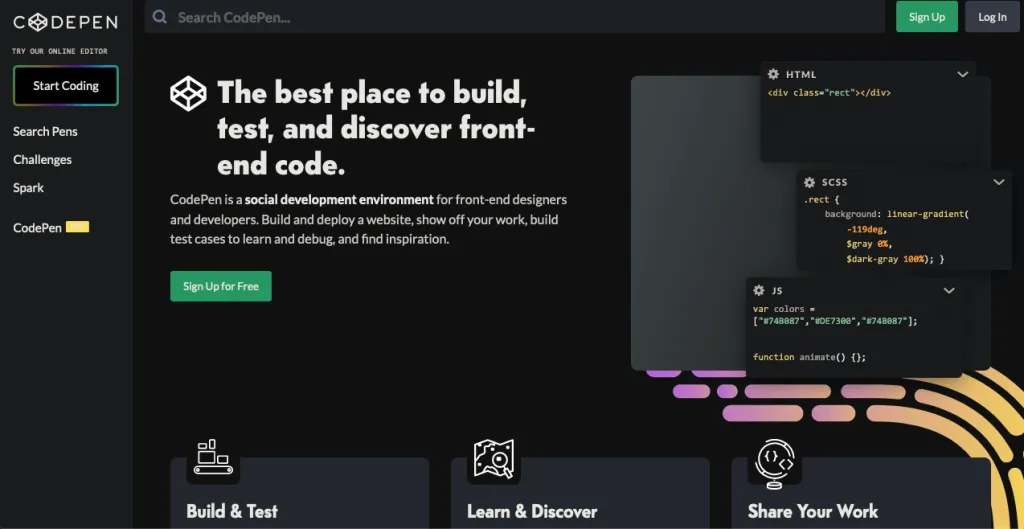
Codepen provides a community where you can code individual projects, publish them, and get feedback from other industry professionals. It’s one of the best web development tools for beginners since it allows you to grow through experience and feedback on your own accord. Pros:
- Completely open source
- Hosted on a cloud, meaning you can access your account and code from any device
- Great and easy interface
Cons:
- Less developed library than some competitors
- Insufficient auto-completion feature
- Better suited for smaller-scale projects
Pricing: Codepen is free to use. The optional Codepen PRO version starts at $8/month. It allows you to keep your codes private instead of publishing them, which can be useful as a freelancer that does projects for clients. It also introduces a real-time collaboration mode.
HTML5 Boilerplate
HTML5 Boilerplate is among the most popular front end web development tools, used by giants such as Microsoft, Nike, ITV News, etc. It allows you to create fast and effective websites through its adaptable starter template, robust analytics, and more. Pros:
- Robust performance optimizing, analytics, and customization tools
- Has extensive documentation to help beginners figure out things more easily
- Includes tools like Modernizr and Normalize.css for checking & fixing browser support for CSS3, HTML5, etc.
Cons:
- Not a completely ‘developed’ tool, only provides a template & basis for your website
Pricing: Free
Cloudflare
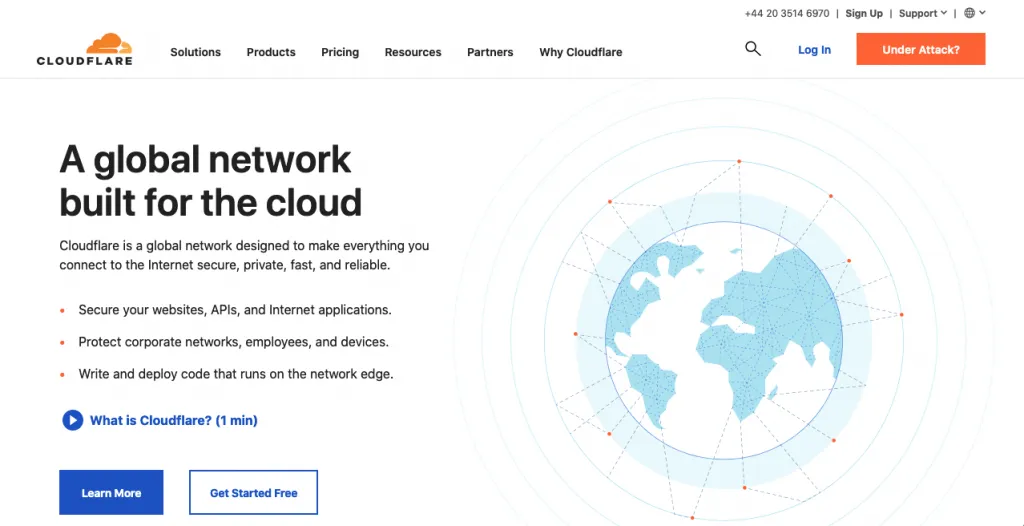
The company Cloudflare supplies security and performance solutions for websites, internet applications, and APIs. According to their website, they power requests for more than 10% of the entire internet, making them one of the biggest service provider networks. Pros:
- Boosts the speed of your website and provides easy access
- High-quality CDN (content delivery network) and DNS (domain name system)
- Efficient measures to protect your cybersecurity: SSL to encrypt data, firewall installation, DDoS protection, etc.
- Fast and easy installation
Cons:
- Limitations on the web server
- The UI can be complicated for the inexperienced
- No caching feature for WordPress-based sites
- Higher-tier paid versions can be expensive
Pricing: There is a free plan available with basic performance and security features, SSL, and analytics. The paid tiers are charged based on features, with the cheapest (Pro Plan) being $20/month.
Bootstrap
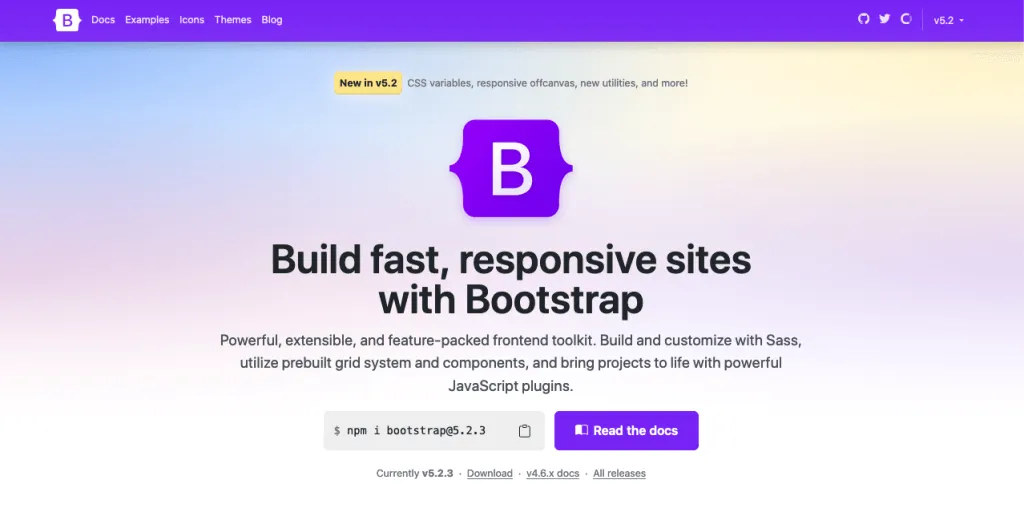
Bootstrap is a web development tool kit which provides everything you need to create a website. All you need to do is customize their templates (optionally), and fill out the content. It’s based on HTML5, CSS, and JavaScript.Pros:
- Completely free and open-source model
- Detailed documentation to get around the learning curve
- Highly responsive and consistent
Cons:
- Very large and intricate system, figuring out high-profile customizations can take time
- Not ideal to create small-scale websites
- Not enough customization options
Pricing: There is a free plan for up to 10 users and 2 GB of storage. If you’re working with a team, you might want to upgrade and get the Pro plan ($15/month) or the Enterprise plan ($29/month).
React.js
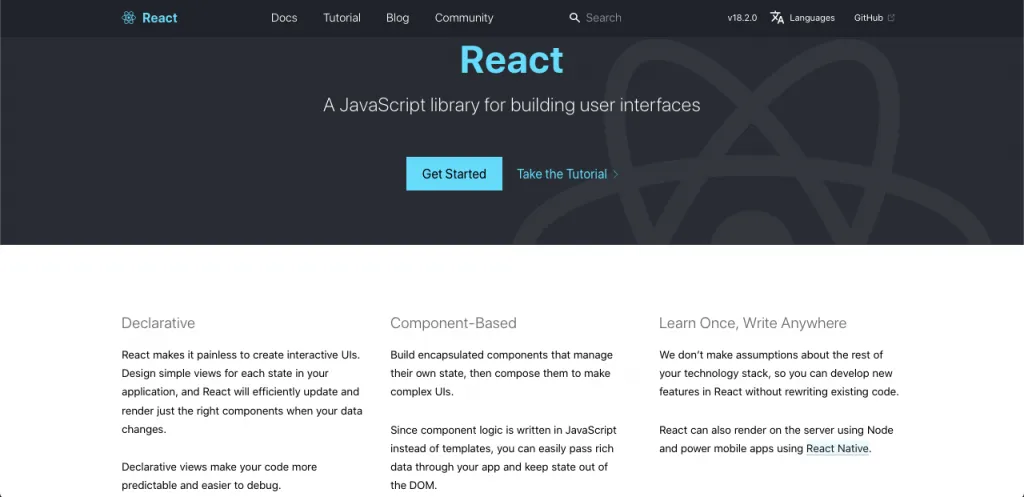
React.js is a JavaScript library that will help you create UI with ease. Pros:
- Easy-to-use library
- Ability to use the same library for websites and mobile apps
- Eliminates large-scale coding with the JSX (JavaScript Extension)
- SEO-friendly, compared to other JavaScript-based applications
Cons:
- Not a full framework
- Insufficient documentations and tutorials for learning, especially after recent updates
- The JSX extension might be difficult to grasp
Pricing: Completely free to access & use
Streamline your solo development business with Ruul
If you’re working as a freelance web developer, along with web development tools, you’ll highly benefit from an all-in-one client and finance management platform like Ruul. Using Ruul’s invoicing, global payment and legal agreement features, you can conduct your independent web development business in compliance all around the world, invoice your clients with rich currency options and collect payments on the go. Register today and take your solo career under your own rule.
Related articles
How to grow as a freelancer: 5 actionable tips
GrowthApr 5, 2026
The Ultimate Guide to Becoming a Successful Freelance Project Manager
GrowthApr 3, 2026
Becoming a Freelance Digital Marketer from Scratch: A Beginner’s Guide
GrowthApr 3, 2026
Why you should join a freelance community
GrowthApr 5, 2026
How to promote your solo business
GrowthApr 5, 2026