How Freelancers Use Instagram Bio Links to Get More Clients
Have followers on Instagram? Turn them into paying clients with Instagram bio links as a freelancer.
You may wonder “How do I actually get clients from Instagram?” or “What should I even put in my bio link?”
Over 31 million Instagram users utilize a link-in-bio tool. We invite you to join these users and take the most out of this opportunity to grow your freelancer business.
That single link might feel like a dead end right now. Maybe you’re unsure what to link to, or you’re sending people to a homepage that does nothing for you.
Here’s the thing: it’s not magic.
It is a strategy.
And once you know what works, it’s surprisingly simple to make that one link work harder for you.
Here’s how you can turn that tiny spot into a resource to find freelance jobs.
How to craft a killer Instagram bio
Your bio is the first thing people see on your Instagram account. So make them want to step in. And it’s not just about making it look good. What you want is to make it work and to guide people toward that one link.
That’s where we’re headed now. Here are practical ways to invite your profile visitors to click on the link.
Name field is more than just a name
Don’t just put your first name here. You can use the name field to describe yourself.
For example, adding your title helps with searchability and instantly communicates what you do. Need an example: “SaaS Copywriter” or “Prompt Engineer”.
If you want to focus on working in a location, you can also add this info.
Bio text can give more info about your skills
State who you help and how you do it. This is nothing less than your LinkedIn title if Instagram is a platform you use to find clients.
Keep it short, benefit-driven, and to the point. Example: “Helping SaaS startups grow with words that convert.”
Encourage to take action with a call-to-action
Use action verbs to nudge the visitor toward your link. You can try saying “Book a free call,” “See my work,” or “Grab your free checklist.”
So they will know what to expect when they click on the link.
Which is the right ‘link in bio’ tool for Instagram
The next step? Choosing a link-in-bio tool that matches your workflow, services, and the kind of experience you want potential clients to have.
Here are some other options to consider:
Linktree
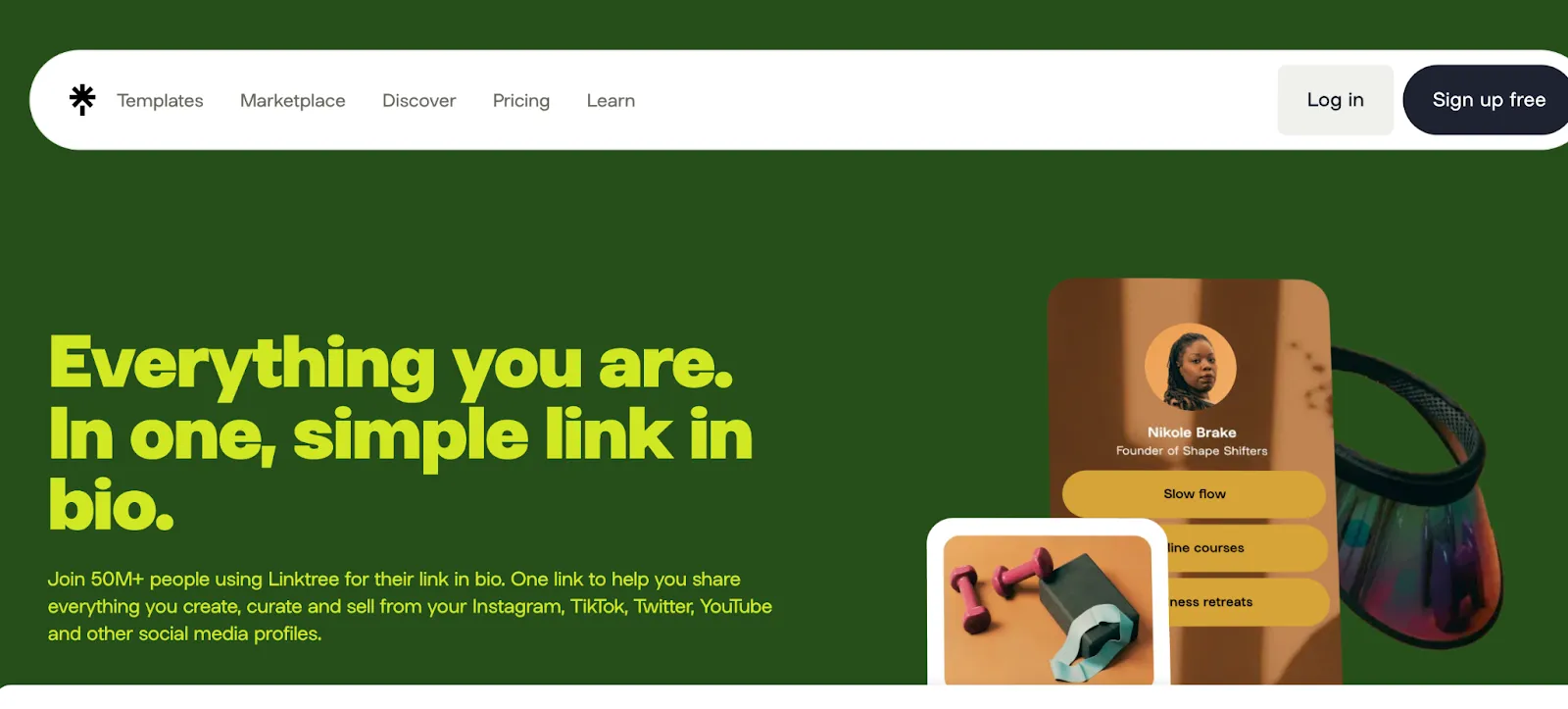
Linktree leads the link-in-bio market with over 24.7 million users.
But for freelancers, popularity isn’t everything. Linktree adds one more step between your audience and the action you want them to take because it doesn’t lead your visitors to your portfolio.
With Linktree you can list your different links and make your visitor choose the most relevant link. That delay can cost you leads.
It’s a decent starting point—but lacks control, customization, and brand personality.
Carrd
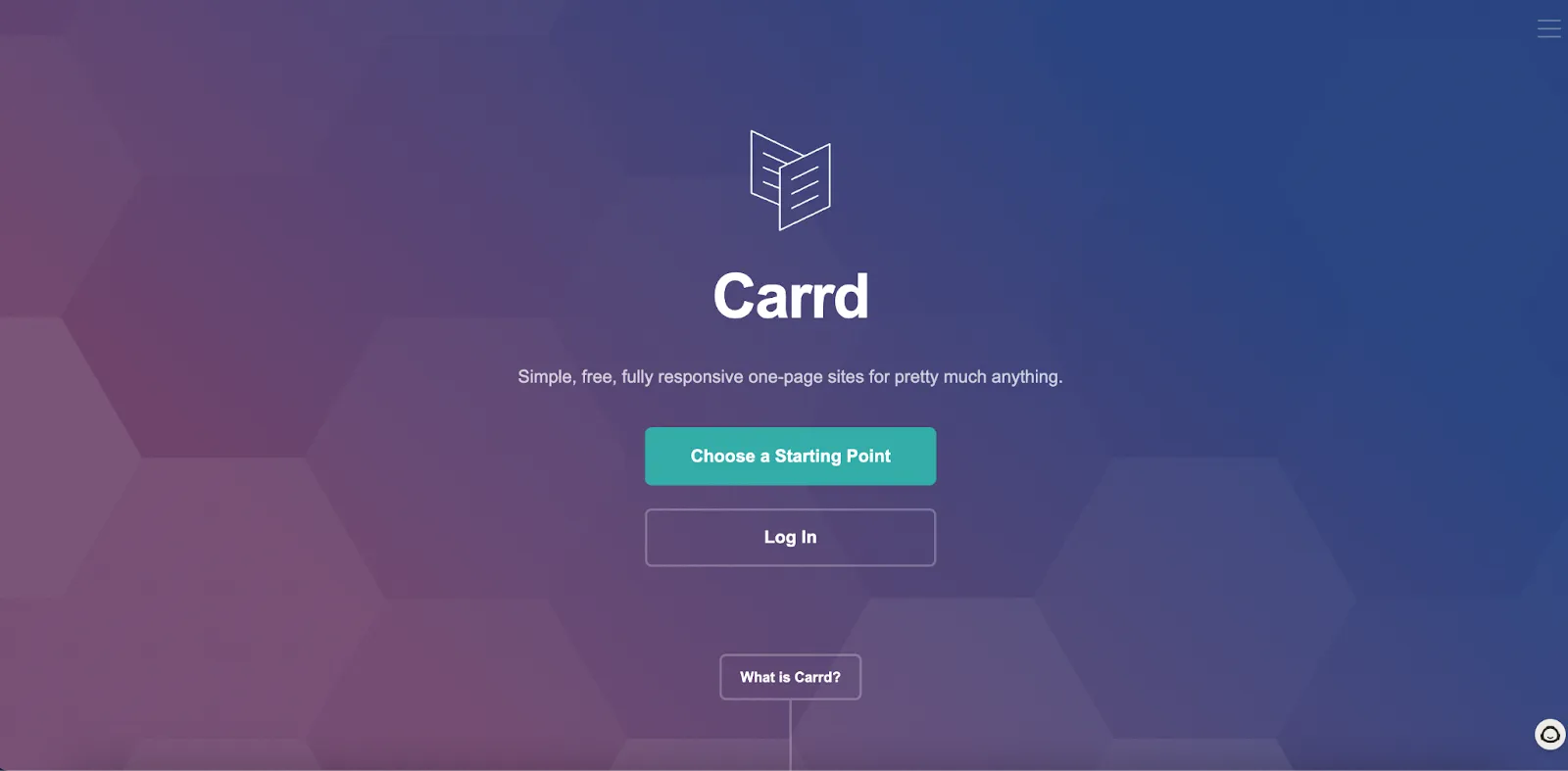
Carrd is good as it is minimal and highly customizable. You can use it if you want total control over design.
Using Carrd, you can build a mini-site from scratch, add custom domains, and integrate forms or buttons.
Our recommendation is to go for Carrd if your goal is full customization and you’re comfortable designing your own layout.
How to strategically link to conversion paths
Let’s be honest—most freelancers just drop their homepage or LinkedIn profile in their bio and call it a day. But that doesn’t help you stand out or get clients. Instead, think of that link as your personal sales rep.
It has much bigger potential.
It should guide visitors to a page that does one thing really well: turn interest into action.
Let’s see what you can do strategically to get more clients using Instagram bio links.
Link to a clear offer page
Let people know exactly what you do, who you help, and how they can work with you. If you want to save time on back-and-forths, go ahead and include your pricing upfront.
You can use a link to your services page that says loud and clear: here’s what I do, who it’s for, and how to book me.
This will make it easier for your potential clients to understand your offer exactly.
Make it easy to hire you
When you make it ridiculously easy for people to hire you, people will be more into show interest in your services.
No DMs. No email chains. Just a clean link to your product or services so they can pick what they need and boom, you’re in business.
For that, you will need a link-in-bio tool that also allows payment collection.
Guide visitors to a high-converting landing page
Make your landing page do the heavy lifting.
Before hiring you, your potential clients want to see your portfolio and understand how you work. So your landing page should do more than just saying what you do. You also need to showcase a few samples of your best work.
If you can also add a testimonial or two, they will know what to expect. But make sure the testimonial covers the names and companies so it will be more trustworthy.
How to use Instagram content to build instant trust
Once your landing page is ready to go, now it’s time to leverage your Instagram content to attract attention and build trust.
If they land on your profile, scroll a bit, and instantly see proof that you know your stuff.
Well, that’s what you want, and here are some tips to build trust with your Instagram account:
Show before-and-afters that speak for themselves
People love a good transformation. Whether it’s a redesigned logo, a polished website, or a social post that boosted engagement, before-and-afters show what you’re capable of at a glance.
You can create a carousel post that takes your followers behind the scenes—from messy start to polished finish.
This is a reminder for you to take pictures at different steps while working on a project.
Turn client wins into scroll-stopping stories
Static results are cool, but a short narrative?
That’s sticky.
You can use carousels to turn a project into a mini case study:
- what the client needed,
- what you did, and
- what changed.
Make sure you keep it visual and conversational.
Highlight what matters most
Highlights are the cheat sheet of your profile. Use them to showcase testimonials, behind-the-scenes clips, client FAQs, or service breakdowns.
They help new visitors size you up fast.
How to get discovered (with actionable challenges)
Instagram can be noisy. It’s a plus to help them find you in the crowd.
When you take the first steps to get closer to your ideal clients, you make it easier for them to discover you.
Here are some actionable tricks that guarantee results:
Niche hashtags: Think industry-specific or role-based
Challenge #1: Research 5 niche hashtags and start including them in your next post.
Community Hashtags: Join broader freelancer circles like #freelancerlife or #digitalnomad to build visibility.
Challenge #2: Use 1-2 community tags consistently for discoverability.
Comment Strategy: Leave thoughtful comments on your dream clients’ posts. Show up, don’t sell.
Challenge #3: Engage with 3 ideal client posts per day this week.
DM warm-ups: Reply to Stories. Ask genuine questions. Let the conversation happen naturally.
Challenge #4: DM 1 person per day who fits your ideal client persona.
Avoid these costly bio link mistakes
Before letting you start growing your freelance business with an Instagram bio link, here are some mistakes to avoid:
Too many links
Don’t make your link page a buffet. People don’t want to guess where to click—they want a clear next step. When everything’s important, nothing is.
Instead, do that: Open your link page right now. Ask yourself: does each link point toward your main goal? If not, it’s time to trim the fat.
No CTA
If someone clicks your link and lands on a page with no direction, they’ll bounce. Fast.
You’ve got their attention, don’t waste it. A clear call-to-action tells them exactly what to do next.
Instead, do that: Add a bold, eye-catching CTA at the top and bottom of your linked page. Make it impossible to miss.
Outdated info
Things change fast—your offers, your availability, even your audience. If your bio link still leads to last month’s freebie or a retired service, you’re missing out. Keep it fresh.
Instead, do that: Add a monthly reminder to your calendar to check your bio link. Update it like you would your shop window.
Turn your bio link into a lead magnet
Your Instagram bio link isn’t just a spot to toss in your website and hope for the best. It’s your online handshake, your pitch, your pay button—all rolled into one.
So don’t treat it like an afterthought.
Go back through this guide. Choose one tiny thing from each section to tweak today. Don’t wait to be “ready.” Just start. That’s how growth happens.
Frequently asked question
How can I make my Instagram bio link more effective in converting followers into clients?
Your bio link should serve as a clear call-to-action (CTA). Instead of directing visitors to a generic homepage, send them to a specific service page, booking form, portfolio, or a curated link-in-bio landing page where they can easily understand your offer and take action.
Does using the phrase “link in bio” in captions affect engagement?
Some users have observed a drop in engagement when using the phrase “link in bio” in captions. You can experiment with alternative phrases, softer CTAs, or emojis to guide followers to your bio link. Results may vary depending on your audience.
Can I use multiple link-in-bio tools simultaneously?
Instagram allows only one clickable link in your bio, so it’s important to choose a solution that covers all your needs. A strong link-in-bio page should allow you to:
- Showcase your portfolio
- Offer products or services directly
- Enable subscriptions or bookings
- Display testimonials and social proof
This way, your single bio link becomes a complete conversion hub rather than just a list of links.
Related articles
How to ask clients for feedback as a freelancer
WorkApr 5, 2026
Freelance Social Media Manager Rates: Understanding Market Trends
WorkApr 6, 2026
How to deal with difficult freelance clients
WorkApr 5, 2026
Best Contra Alternatives for Freelancers
WorkApr 22, 2026
AI for Freelancers: The Complete Guide (2026)
WorkJun 2, 2026