Is Upwork Legit? 6 Things You Need To Know About It
Wondering if Upwork is legit? Discover the top 6 things every freelancer and business owner should know. Read on for more information!
Upwork is one of the best-known freelance platforms, but reputation alone does not answer the real question. Freelancers want to know whether it is trustworthy, fair, and worth the effort. The answer depends on how the platform actually works. After all, no one has time on their hands. Time is money. That’s why we’re giving you 7 things to know about Upwork.
1. What is Upwork?
Upwork is a massive freelancing marketplace. It has 18 million freelancers and nearly 1 million clients. It often draws comparisons with Freelancer.com and Fiverr.
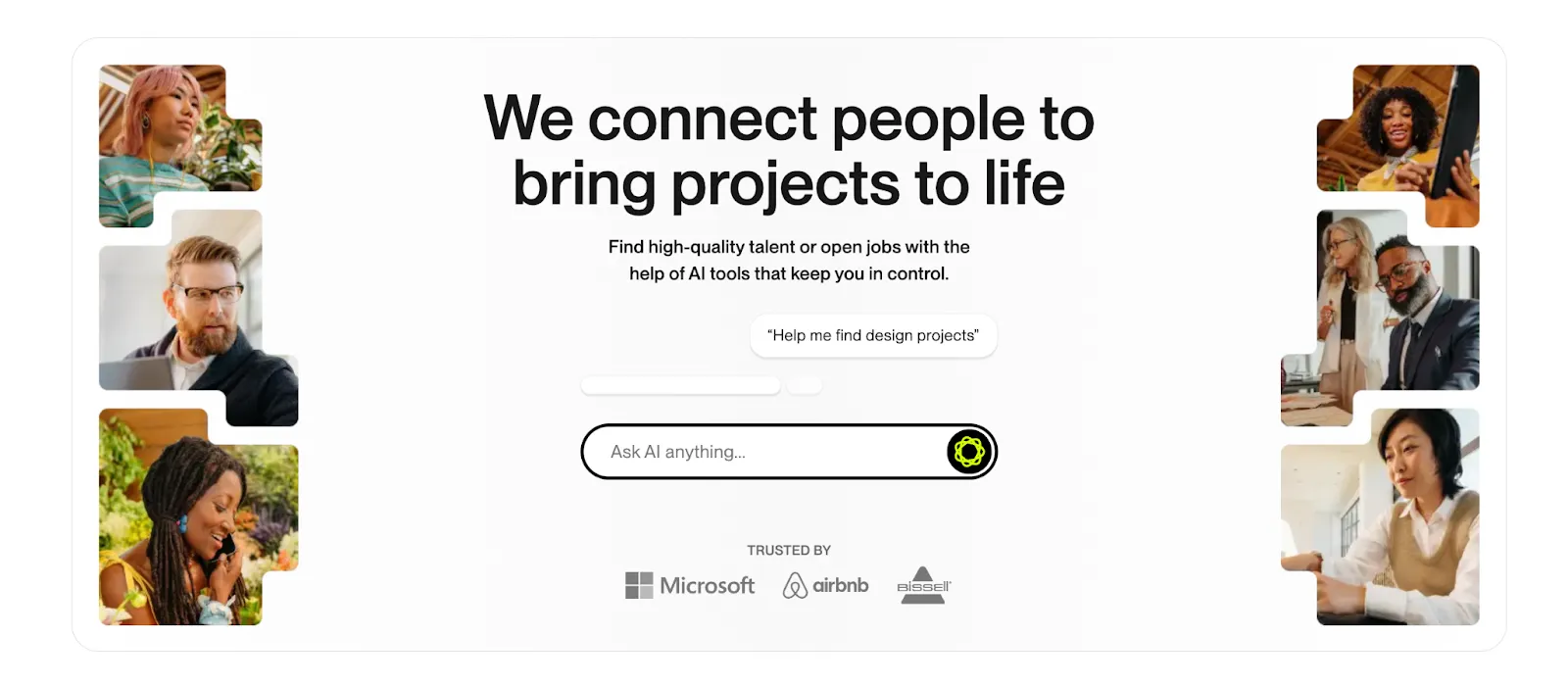
But Upwork is more corporate than the others.
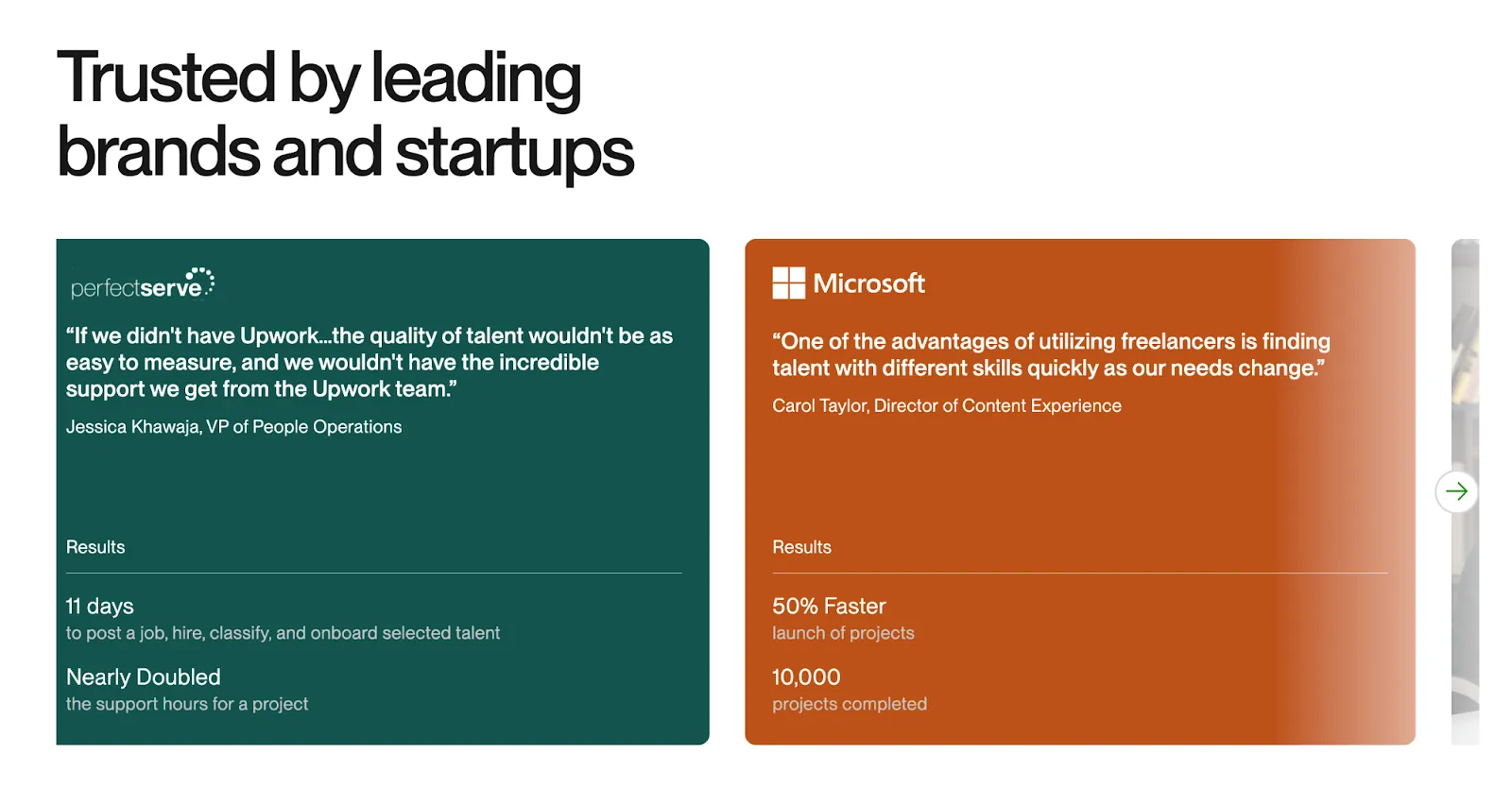
That’s why Microsoft, Airbnb, and Automattic choose it. For instance, Microsoft has 10,000 projects under way here.
2. The birth of Upwork
Do you remember Elance and oDesk? Two once popular platforms.
And you can guess what happened. In 2013, they merged, and the result was this thing: Upwork.
3. Payment and security systems
Whether you’re a freelancer or a client on Upwork, it doesn’t matter. Keeping you paid is paramount because you don’t want to get scammed.
Rest assured: You probably won’t get scammed.
The risk of getting scammed is minimized by Upwork’s payment and security system.
P.S. Freelancers want to work, not chase payments. Let Ruul handle Billing & Payment Collection with its top-notch cloud system—so you can focus on what you do best.
Milestone system
The milestone system is a great invention for freelancers and clients. It’s an Upwork feature designed for a structure that makes you feel completely secure.
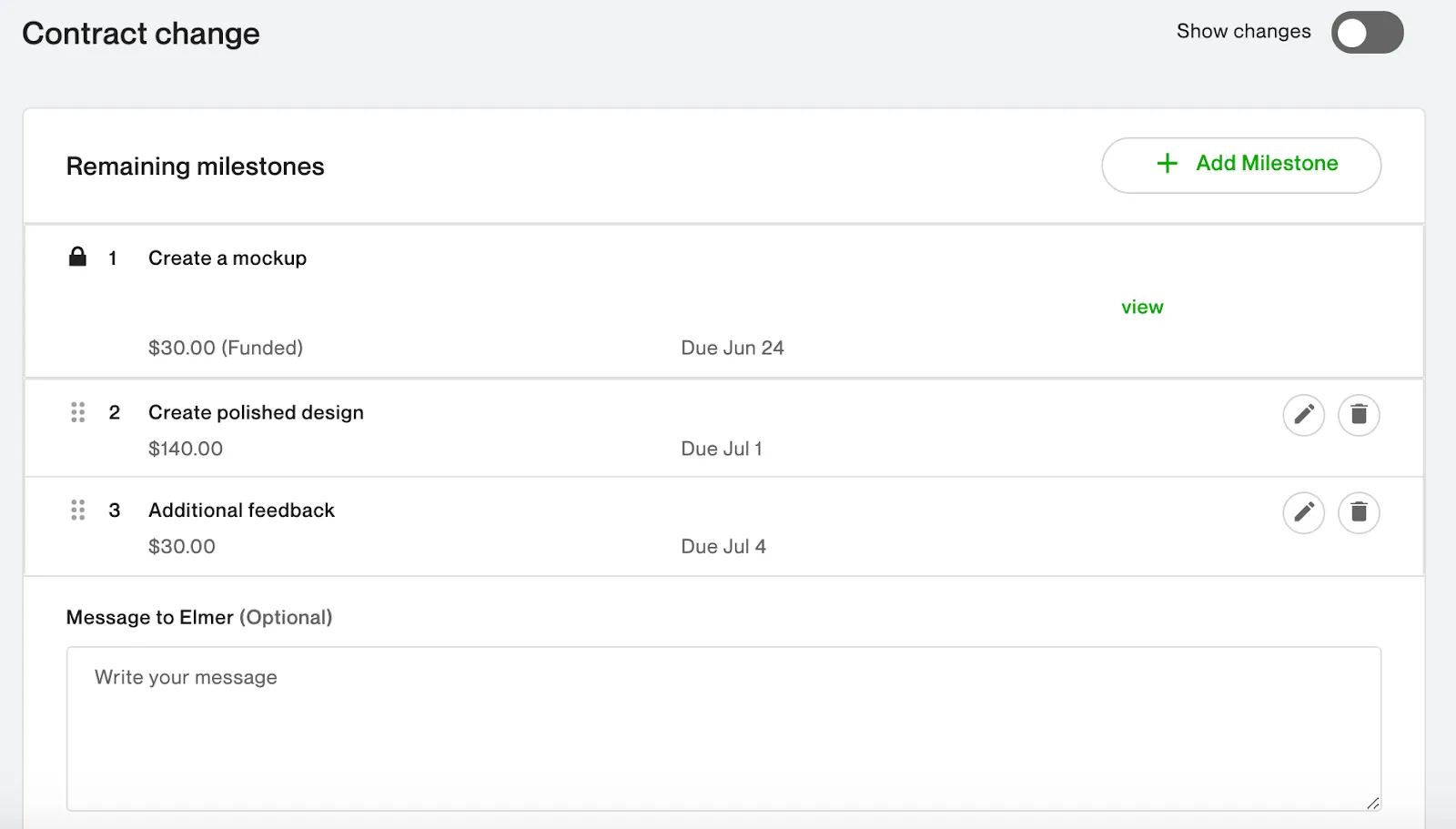
How does it work?
The project is done in parts and paid for in parts.
Simple example:
- Milestone 1: Design of the homepage - Payment: $100
- Milestone 2: Coding all pages - Payment: $200
- Milestone 3: Publish and test the site - Payment: $100
Thus, both the employer and the freelancer feel safe at every step:
- If you are a freelancer, you don’t need to finish the whole project without security. You get paid after completing a part.
- If you are a client , you don’t have to risk the entire project budget. You pay as you approve each project step.
Escrow system
The escrow system is used for mutual security.
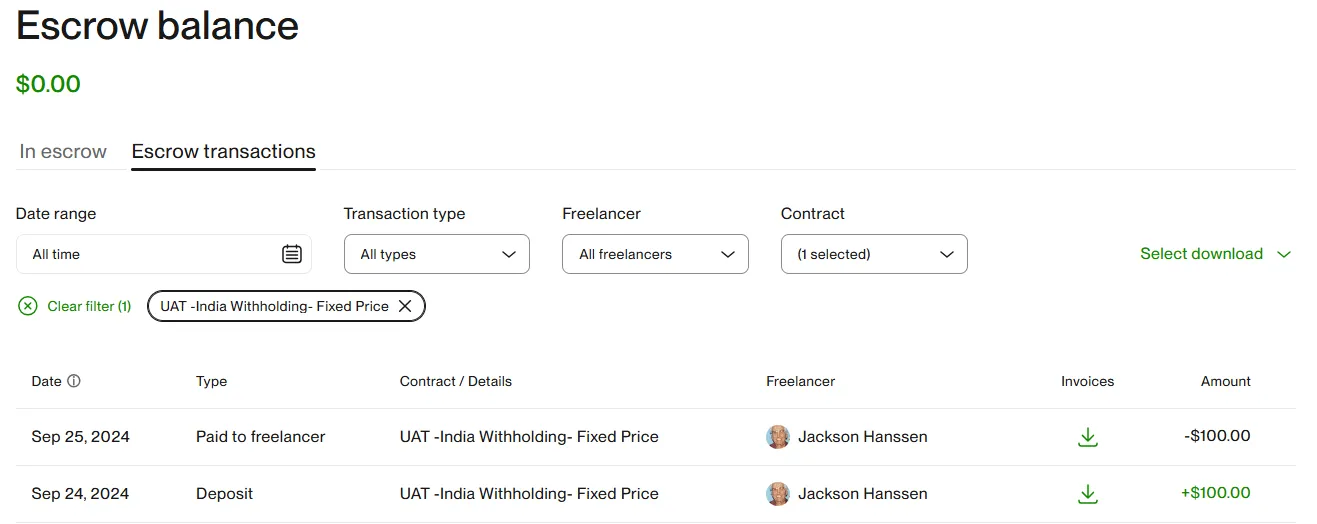
Here’s how it works:
If a project agreement has been reached, the client has to finance the project:
- Full project budget, or
- Min 2 milestones.
And until the freelancer completes the work, the money you paid remains in escrow.
If you are the client and have reviewed the project, you can approve the project or milestones and transfer the budget to the freelancer.
If you do nothing, you give your approval. The funds are transferred to the freelancer after 14 days.
- Note that at this point you have 14 days to appeal.
What are the benefits?
The freelancer is assured of payment and works with peace of mind. The client pays as they see the project and stays on budget.
However, everything takes time here. That’s where Ruul shines out.
Benefit of Ruul: Getting paid is easy, just submit your payment request.
Ruul handles invoicing & payment collection and transfers payments to your preferred account in 24 hours.
Upwork’s hourly payment protection
Hourly contracts can be risky. You want to make sure that the freelancer you hire is actually working.
Upwork has found a solution for that.
Thanks to the “Upwork Desktop App”, which allows time tracking, it allows you to protect hourly payments.
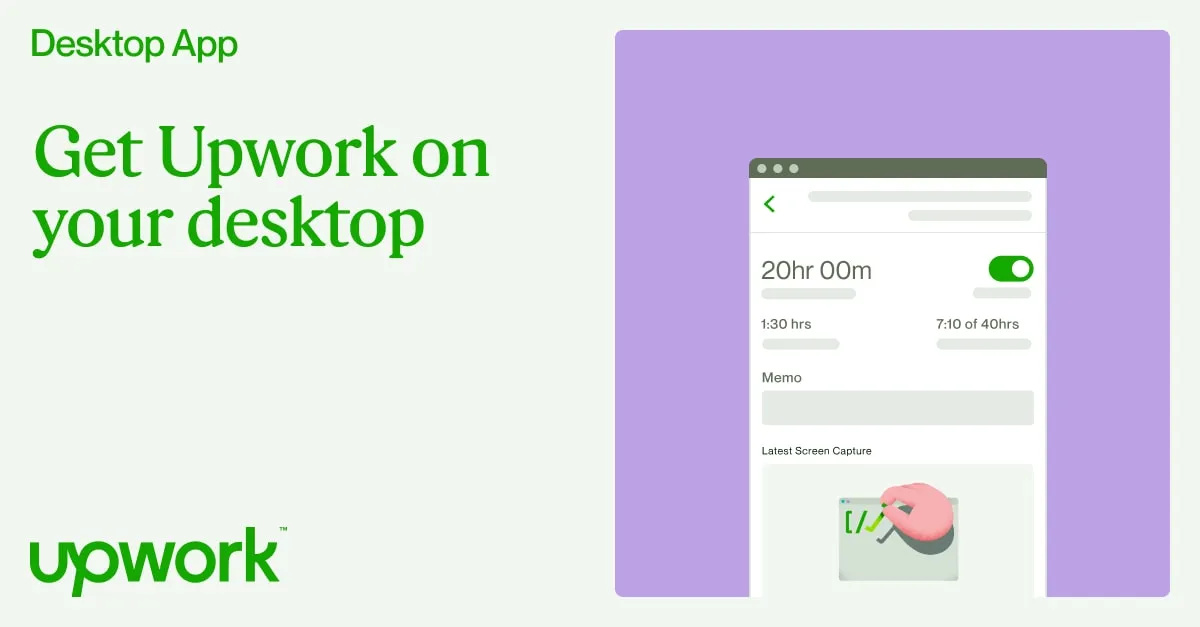
How it works?
The freelancer and the client use time-tracking via the desktop app.
- The freelancer’s desktop screen takes 6 random images per hour.
- Keystrokes, mouse movements, and screen scrolls are tracked.
If you are a freelancer, here’s a note: the app shows your click count, but not what you clicked. It sees your keystrokes, but not what you typed.
How to install it?
Install on the desktop: Available for Windows , Mac OS (works better on OS X 12 and above), and Linux.
You can download an appropriate version for your operating system from the Upwork website by clicking here.
How does it help employers?
As an employer, you can track the freelancer’s work activity with time tracking. You will be able to present the recorded activities as evidence in the event of a dispute.
Dispute resolution service
There may be disagreements. The important thing is to find solutions.
As a freelancer or client, you can contact Upwork’s dispute resolution service if you feel you have been wronged.
When is it needed?
As a freelancer;
- When the client claims that the work you deliver is not of the expected quality.
- When the client keeps making new requests instead of guiding the project.
- When the client cannot be contacted during the work process.
- When the client changes the project but expects the same fee.
As a client;
- If the freelancer charges additional fees for work that he/she does not do.
- If the freelancer demands payment before the work is completed.
- If there is no regular communication with the freelancer.
- If the freelancer has missed the deadline.
- If project requirements are not fully met.
How to open a dispute?
Go to the All Jobs section of your Upwork account to open a dispute. Find the job you are having a problem with. Select the dispute.
Upwork’s goal is usually to resolve the issue between the freelancer and the employer. However, Upwork’s mediation process kicks in if you can’t find a solution.
If you wish, you can withdraw or update a dispute later. Upwork’s page about disputes can help you.
4. Legal protections and policies
There are a number of legal protections and policies that contribute to Upwork’s legitimacy.
- Freelancers and clients agree to legally binding contracts when starting a project. This promises that both parties will fulfill their obligations.
- Upwork’s Terms of Service outlines the rights and responsibilities of both parties, including intellectual property rights, confidentiality agreements, and dispute resolution processes.
Most important policies
Upwork has policies on many things. But some are more critical. In fact, these are things that should be on every platform.
In particular, if a client or freelancer is harassing you because of your language, religion, race, gender, or sexual orientation, you should report it to Upwork to protect your rights. You can also speak up if there is any violence, threats, or incitement to violence.
Confidentiality agreements
Your work may require some of your projects to be conducted in secret. In such a case, the easiest way to provide the freelancer with important information about your project is to implement an optional confidentiality agreement.
However, keep this in mind. Upwork does not make you sign a contract on the site. It only states that you can do that. So if you want to keep your project secret, you have to deal with freelancers.
5. Costs and fees
Now we come to one of the most important questions. Nobody wants to work on a platform where they have to pay for everything and everything is profit driven.
So, are Upwork’s fees too high for freelancers and clients?
Let us break this topic down into two parts - one for freelancers and one for clients.
Cost & fee for freelancers
There is no signup fee for you. But that doesn’t make Upwork totally free.
Here are 3 important costs for you:
- Buy Connects (to bid)
- Fee on earnings
- Withdrawal fees
Happy to share: Ruul has no subscription pricing. We’re using a pay-as-you-go model. Easy, open your account and get started for free.
Let’s get back to the Upwork pricing model.
Connects
Upwork has a bidding system. This system is based on freelancers bidding on project requests. And it isn’t free.
What will you do? Of course, you need to buy Connects.
Current Connects prices:
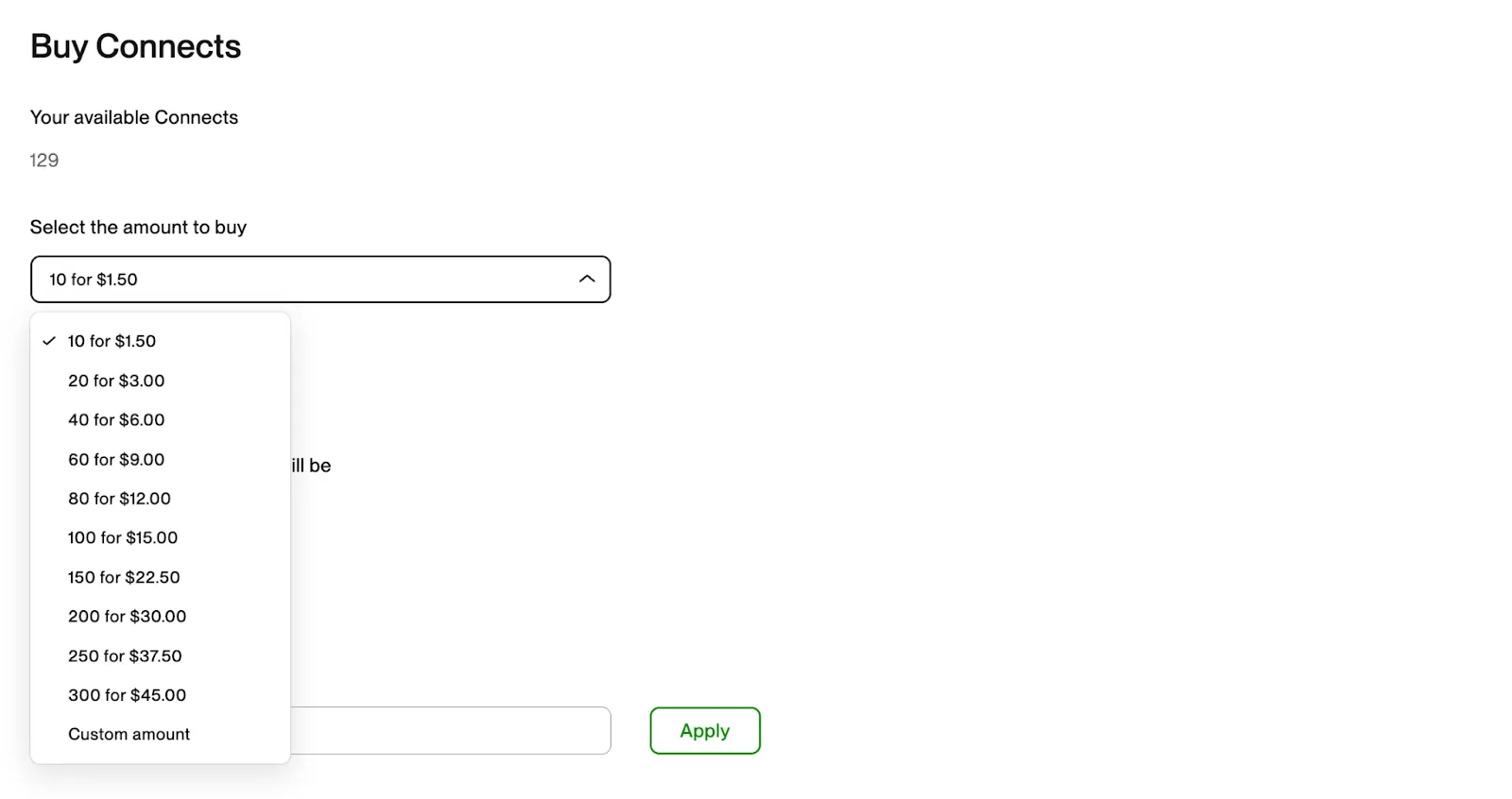
Or you can buy Upwork’s Freelancer Plus plan, which automatically credits 100 Connects per month to your account.
Upwork Freelancer Plus subscription will cost you $19.99 per month.
This plan includes:
- Upwork’s UMA AI feature: It helps you write better proposal texts and supports your job-hunting process.
- Custom profile URL: A URL in your own name - for those who want to create a personal brand.
- View competitor bids: You can see how other freelancers are bidding.
Fee on earnings
Upwork typically takes a 10% cut of every dollar freelancers earn. By comparison, Freelancer.com charges the same fee. But Fiverr used to charge 20%.
- If you make $500, you get $450.
- If you earn $1000, you get $900.
- If you earn $2000, you get $1800.
You don’t have to do anything, they automatically take this fee from your balance. And, this rate applies to every contract, whether it is hourly, fixed, or project catalog.
Withdrawal costs
Among other costs, withdrawal costs should not be ignored. We will provide these fees with payment methods.
- Instant payment for US residents: $2
- To local bank outside the US: $0.99
- Direct to US Bank: free
- USD Wire Transfer: $50
Other apps you can get paid:
- PayPal (Most common)
- Payoneer (outside the US)
- M-Pesa (Kenya Only)
Cost & fee for clients
You can create your Upwork account for free. And after that? Naturally, this isn’t free.
Let’s zoom in on all the costs you might incur.
Typical service fee
Upwork typically charges a 3% or 5% fee when you hire. However, this rate can vary depending on the plan you have.
You can see it here:
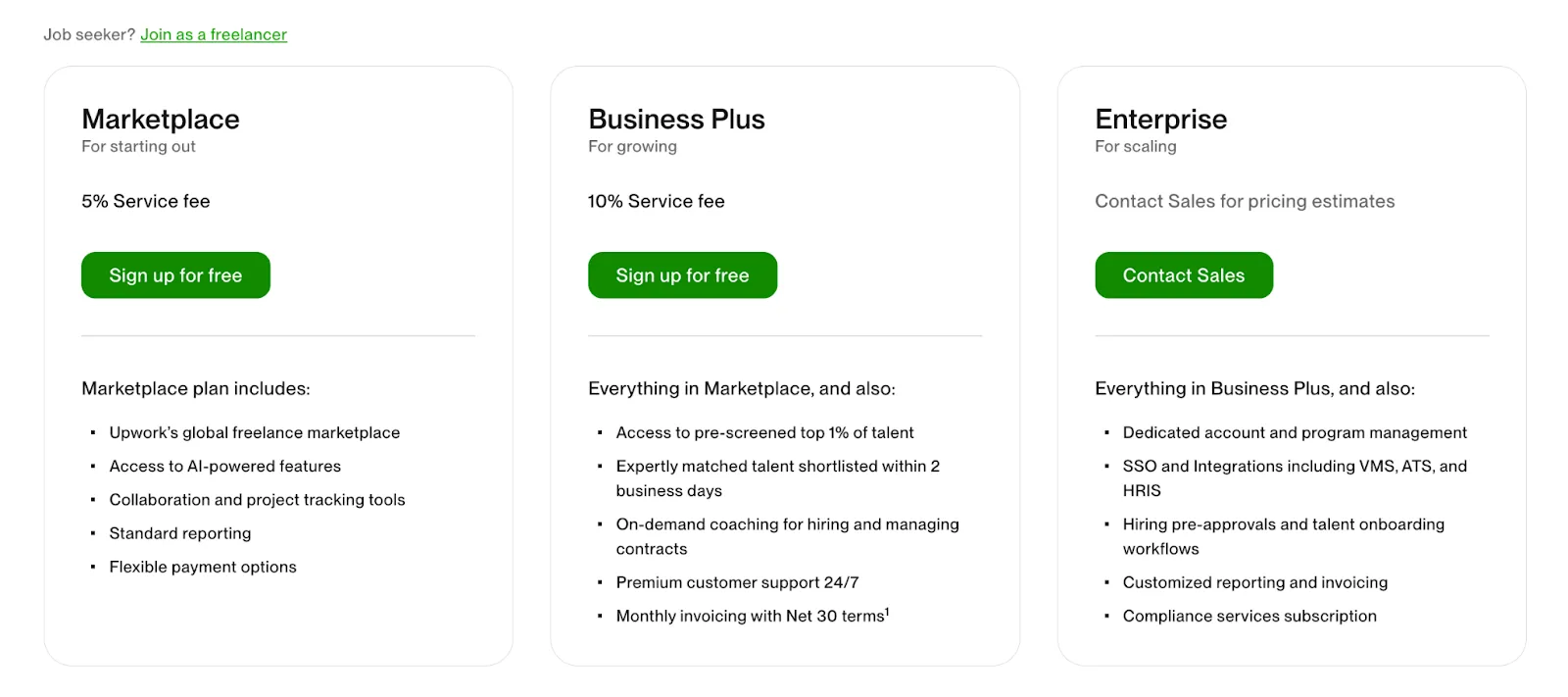
In the meantime, let’s make an important Upwork notification.
The latest news is that Upwork will charge a $4.99 fee for Business Plus contracts of $100 or less. It’s called the “Contract initiation fee”. As of April 3, 2025, it will be applied.
6. User reviews for Upwork
No matter how much we talk about it, the real truth is to ask the users. Do they agree that Upwork is legitimate?
First, let’s look at Upwork’s rating on popular review sites.
Mobile apps?
- App Store - 4.6
- Google Play Store 3.9
What do users like?
- User-friendly interface (mentioned in many reviews)
- Opportunity to find jobs in a wide range of categories
- Easy customer communication
- Filtering options
What do users dislike?
- High service fees
- Intense competition
- Lack of customer support
- Connects cost
- Policy changes
What about Ruul Users?
Besides more than 100,00 freelancers , leading companies trust Ruul as well.
To expand your business with effective co-marketing join our partner program.
Related articles