Top Alternatives To Linktree For Freelancers Selling Services
Take a look at the top 16 Linktree alternatives you can switch to better market your service.
As a freelancer selling services, you wanted to use Linktree. However, you realize that Linktree was not designed for you. No worries, there are many Linktree alternatives.
Sure, it’s nice to centralize all your personal links (portfolio, social media accounts, case study, etc.).
But when it comes to payments? It fails to sell your services as an independent, set up automatic invoicing, and work with tax compliance.
That’s why I’ve researched 16 Linktree alternatives, and I’m sure one of them is right for you.
What is Linktree?
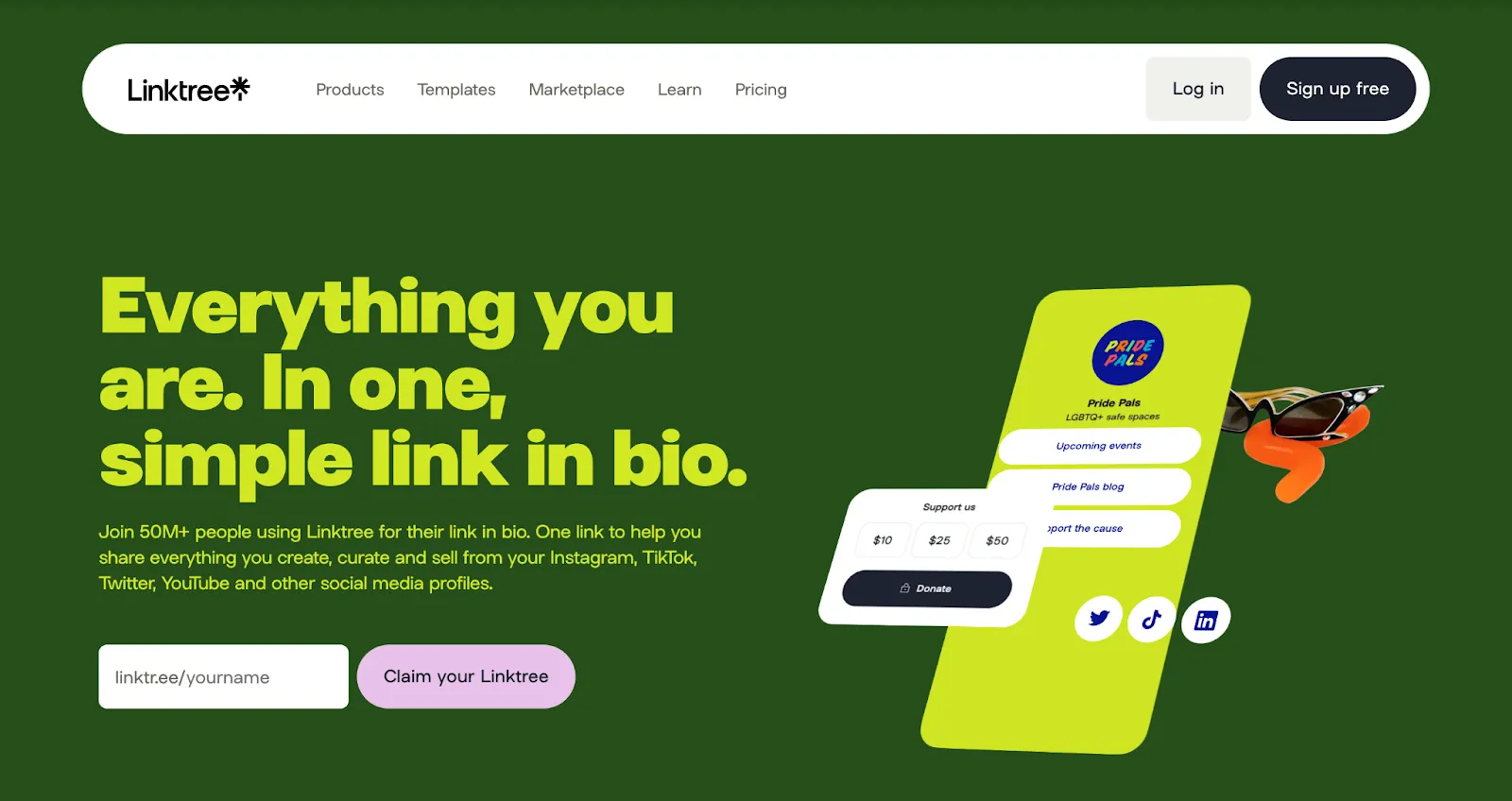
Linktree is a link-in-bio tool with 70 million users. It’s suitable for anyone who wants to centralize their social presence in an organized way. It’s mostly designed for content creators who make money with their affiliate collaborations and partnership links.
As we talk about freelancers selling services: know that you’re not the main target audience of Linktree.
This makes the features of Linktree insufficient for your use cases, such as
- converting visitors into buyers and
- getting payment for your services.
Sure, as an independent, you can still benefit from Linktree to list your various links. Let’s see how.
Key features: Plans, pricing, and features
You’re an independent. You need one clean link that tells people who you are, what you do, and where to find your work.
You knock on the door of the link-in-bio tools.
You can add unlimited links, embed videos, show your socials, and track basic analytics. It’s enough to get started.
Linktree does that part well for free.
You can also sell digital products: ebooks, music, and courses.
But heads up: most of the monetization features are active only in the US and a few other countries.
More control: For $4/month, you can design with your own colors, build a follower list, and schedule posts. A starter plan is useful if you’re building campaigns or running launches.
More polished: Pro ($7.50/month) gives you branding tools, advanced analytics, and AI-powered content planning.
Selling a lot of digital products? Premium ($19.50/month) is the only plan with 0% commission. You keep everything. But unless you’re running multiple brands or working with a team, it’s probably overkill.
Bottom line: Linktree makes your online presence easier to manage.
Note: You can sell digital products with all plans, but you can reduce the commission you pay when you choose the Pro and Premium plans.
Why look for a Linktree alternative?
There are several reasons to consider alternatives to Linktree, but the most significant ones are its monetization model and commission structure.
Linktree is convenient for selling digital products, brand collaborations, and profit sharing. The platform targets influencers and content creators—not independents with regular-paying clients.
That’s the main reason to look for a Linktree alternative.
The 12% commission (excluding taxes) can significantly cut into stable income, and the lack of built-in tax compliance or automatic invoicing adds extra administrative burden. There are also additional payment system cuts.
For independents, that means more paperwork and fewer opportunities for billable work.
When to make the switch?
You:
- Need better tools to engage and convert followers
- Want more visual and functional control
- Sell services or offer consultations
- Need to invoice your clients
16 Linktree alternatives for independents
You can’t try all the alternatives before you decide on the best fit for you. So here are 16 best Linktree alternatives to see if they are a good match.
Carrd
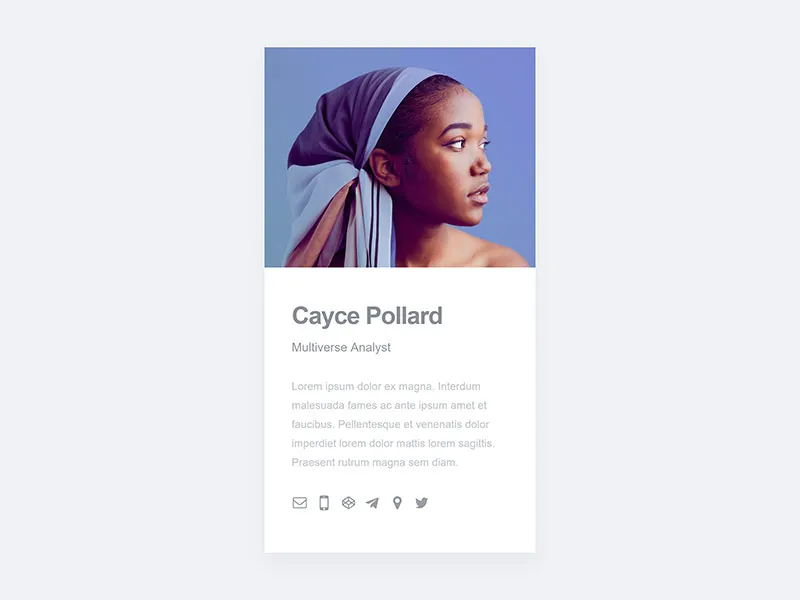
Why it stands out: It’s like a personal website. It is even possible to get a custom domain name with the Pro plan.
Freelancer use case: Showcasing portfolios, service listings, and contact forms.
Key features
- Simple one-page sites
- Dozens of free templates
- Responsive to every device and screen size
- 3 free sites per account
Pricing: Free plan available. But some features like custom domains, forms with integrations, and more advanced elements require a paid plan (for $19 per year).
Linktree vs Carrd
Linktree and Carrd are similar. If your main goal is to centralize your links, go with Linktree. But for customization, Carrd is more versatile. Additionally, while selling digital products is possible on Linktree, Carrd doesn’t offer this feature yet.
Taplink
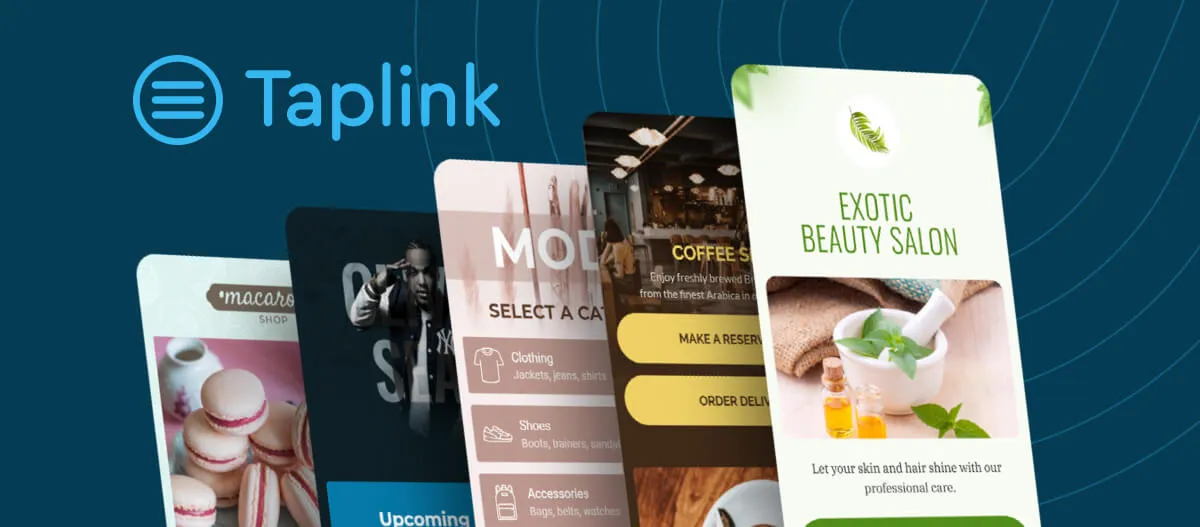
Why it stands out: Offers payment integration, messaging links, and customizable landing pages.
Freelancer use case: Connecting with clients and sending them special offers.
Key features
- Build a mobile-friendly site without needing a designer
- Add videos, images, and text blocks to your page
- Centralize messaging apps and social links
- View page stats and insights with one click
Pricing: Free plan available. For more, you need the Pro or Business plans, which unlock extras like removing the Taplink logo, using countdown timers for special offers, accessing pro templates, and connecting a custom domain. Plans start from $3 per month.
Linktree vs Taplink
Linktree and Taplink serve the same purpose, creating a simple website. Both offer similar payment options. But unlike Taplink, Linktree lets you sell digital products, courses, and even collaborate with brands. Taplink focuses more on special offers and easier client communication.
Beacons
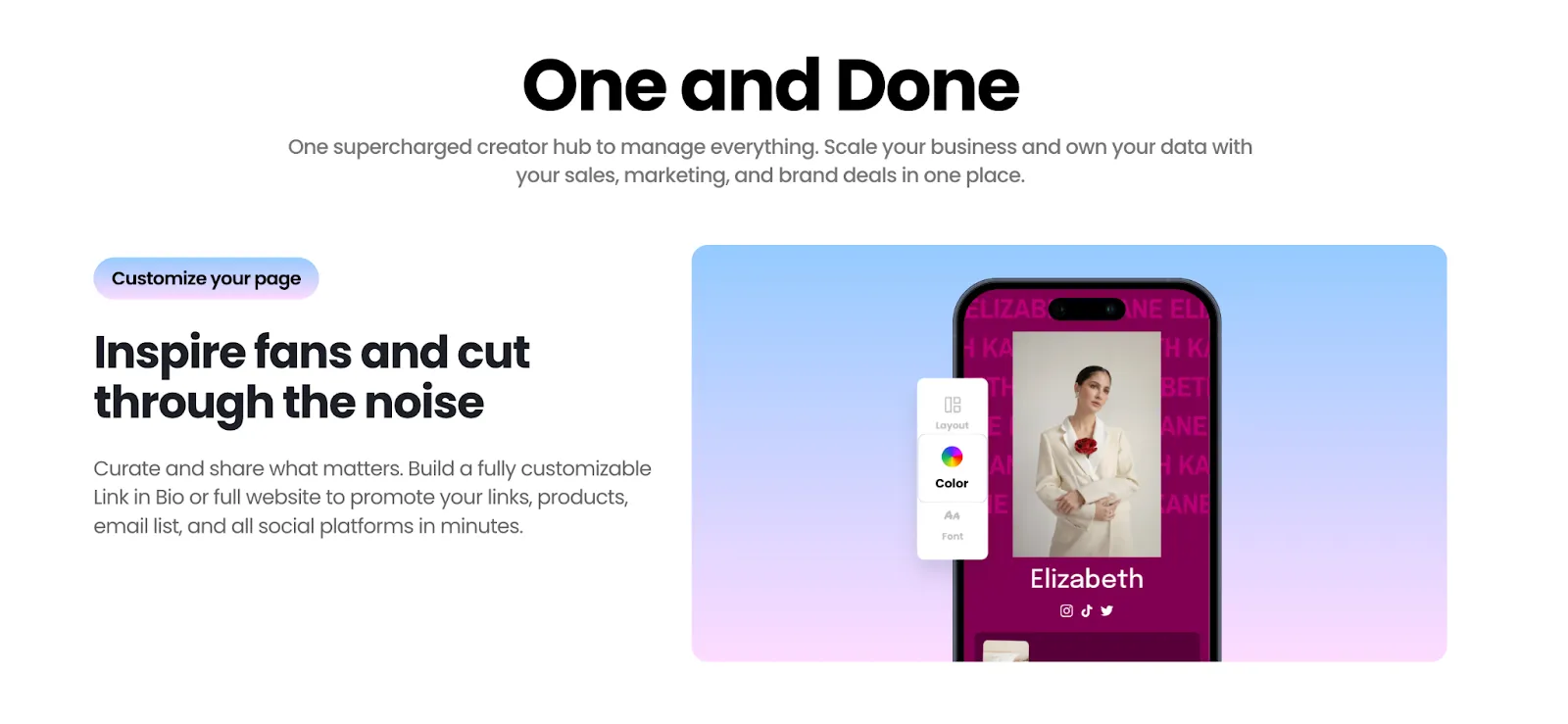
Why it stands out: AI-powered link-in-bio tool with media kit and monetization features.
Freelancer use case: monetizing content and showcasing the media kit.
Key features
- Automatically create personalized link-in-bio pages with AI support
- Sell digital goods and accept donations and monetize collaborations (9% seller fee)
- Have a customizable biography link
- Start with 5 free email automations
- Create and share professional social media kits.
Pricing: Free plan available. You can pay $30 per month to enjoy the benefits of a free domain, 0% seller fees, and unlimited emails.
Linktree vs Beacons
Beacons goes beyond the basic link aggregation of Linktree to offer sales-oriented tools such as email marketing. Both are similar, but the main difference is that Beacons was created with an innovative AI boost.
Many.bio
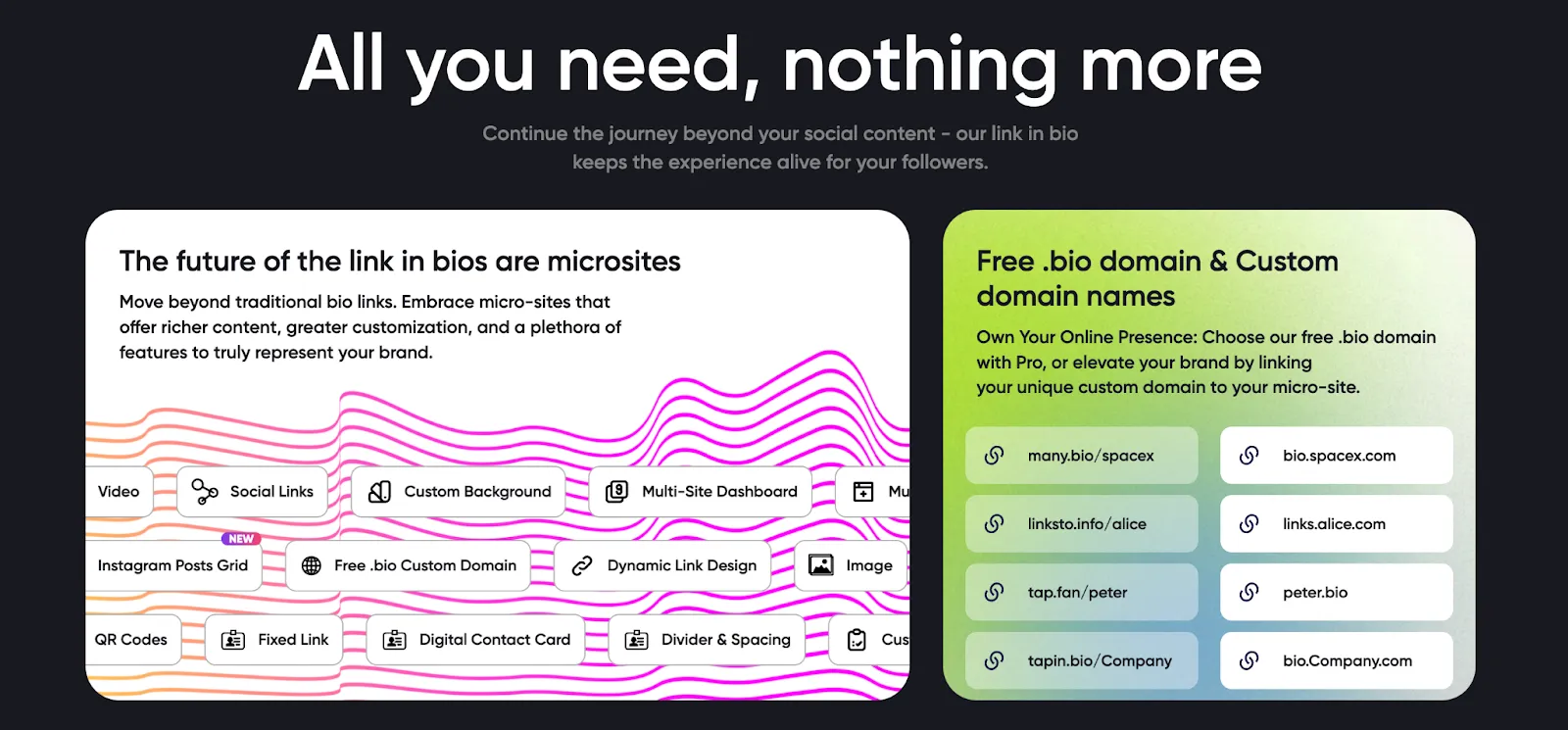
Why it stands out: It makes it possible to manage multiple micro-sites with rich customization options.
Freelancer use case: Creating audience-specific contact forms.
Key features
- Unlimited number of links
- Background and text color customization
- Free contact form creation
- Custom profile URL
- Access to free templates
- Free domain names: Many.bio, Linksto.info, Tap.fan, TapIn.Bio
Users love: You can import photos from your Instagram and Beacons accounts to quickly create micro-sites in your own style.
Pricing: Free plan available. To access rich customization options and create more micro-sites, you can switch to the Pro plan for $5/month. If you are an agency, the $15 plan that allows up to 10 micro-sites may be a better fit.
Linktree vs Many.bio
Compared to Linktree, Many.bio is a more customizable platform. However, Linktree is more popular. Compare their features to decide. For example: Earn Money options. Linktree is better in this area.
Canva
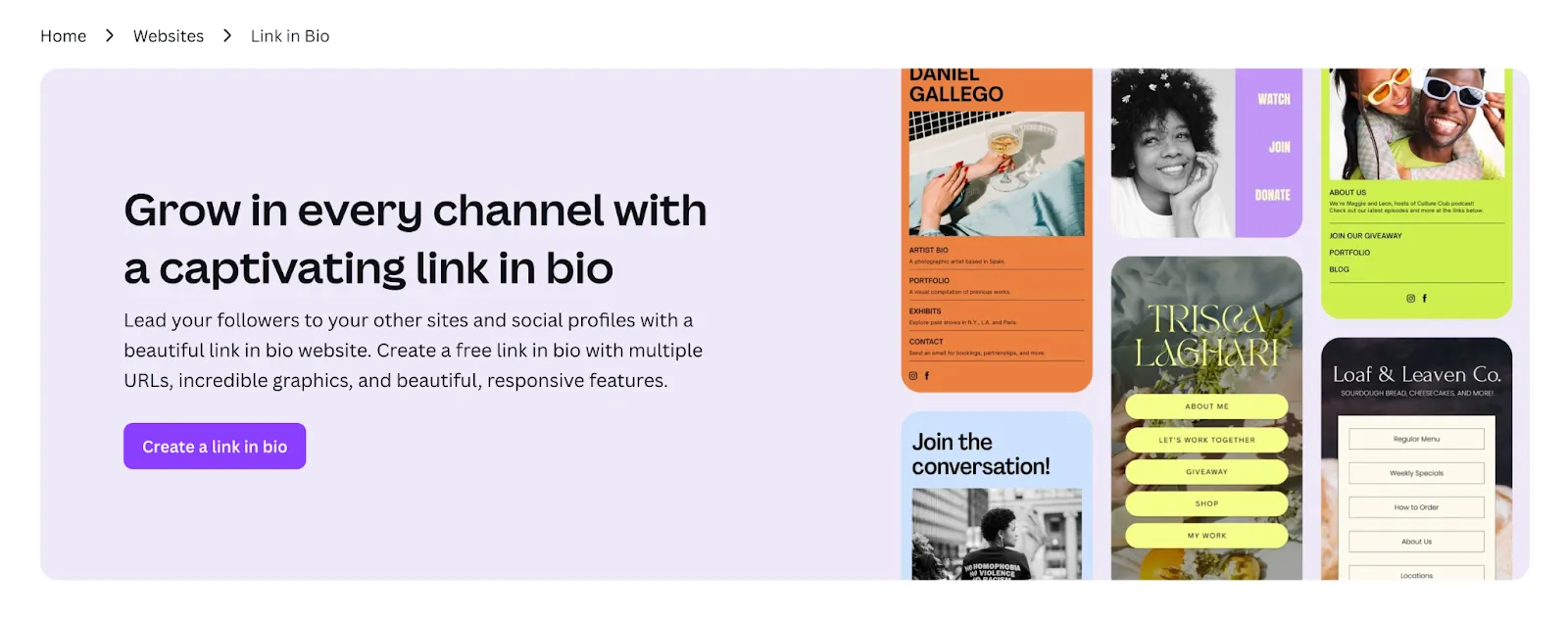
Why it stands out: The drag-and-drop editor allows you to create professional link pages without any technical knowledge.
Freelancer use case: Portfolio showcase for graphic designers.
Key features
- Drag-and-drop editor
- Multiple links on a single page
- Photos, logos, and social media icons
- Page traffic analytics (for Pro users)
Pricing: With the free plan, you can publish up to five websites under the my.canva.site domain. For more flexibility, the monthly plan is €12.99.
Linktree vs Canva
Canva targets designers, Linktree targets content creators. This is the main difference that changes all the features.
Stan Store
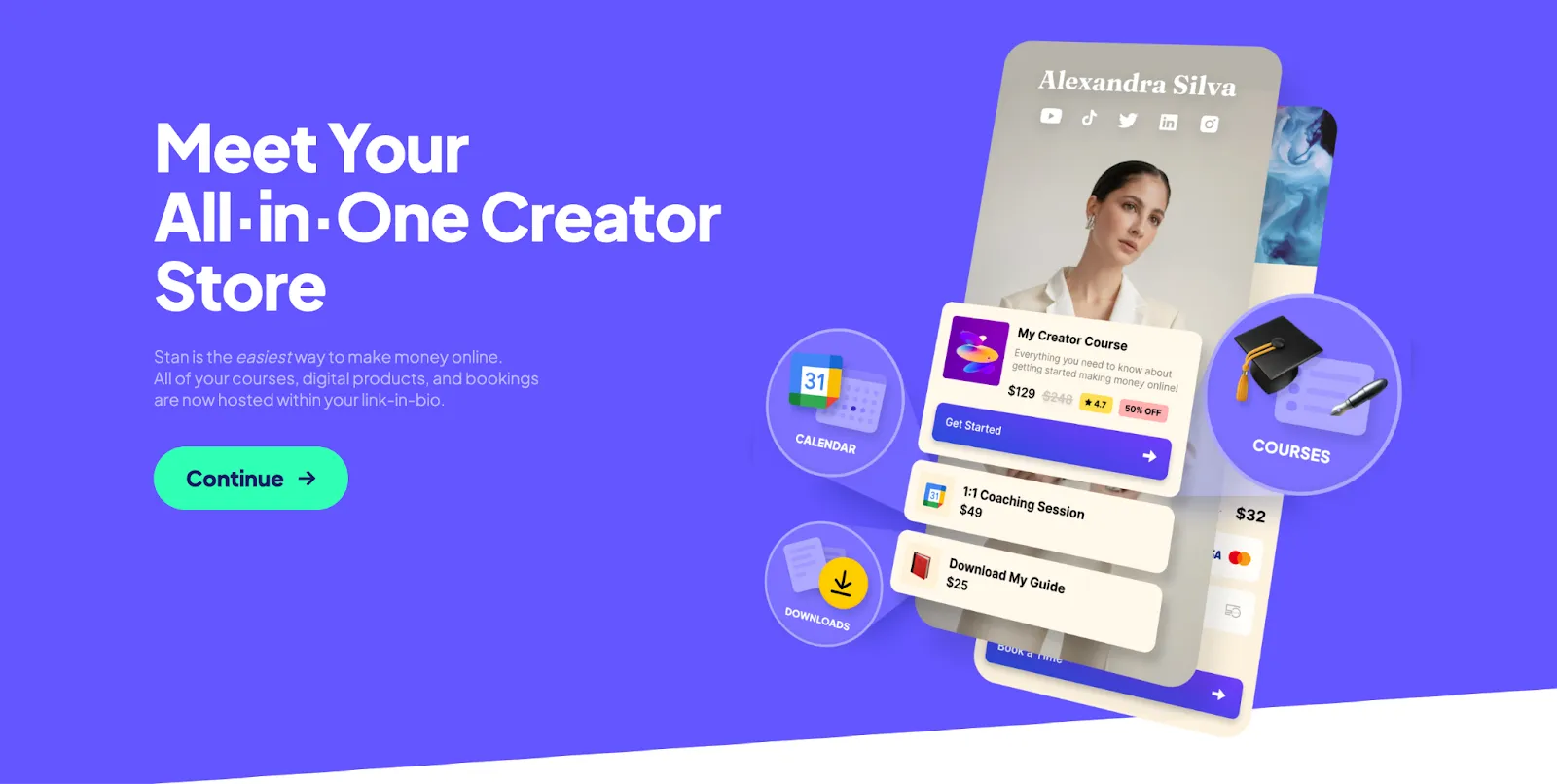
Why it stands out: Clients can book sessions or buy training materials directly.
Freelancer use case: Coaching and consulting.
Key features
- Email list & newsletter builder
- Centralized social links
- Sell digital products (eBooks, courses, coaching, etc.)
- Keep 100% of your earnings (zero commission)
- Drag-and-drop interface for ease of use
What users love: You pay a flat fee and keep everything you earn.
Pricing: No free plan. Full access starts at $29/month. A 14-day free trial is available.
Linktree vs Stan Store
Linktree offers a free plan. Stan Store doesn’t but takes no commission in return. However, when you pay monthly, Linktree also doesn’t apply commission fees. So the pricing is not really a differentiator. Stan Store makes the difference with its AI-powered newsletter tools and Instagram DM automation, which Linktree lacks.
Feedlink
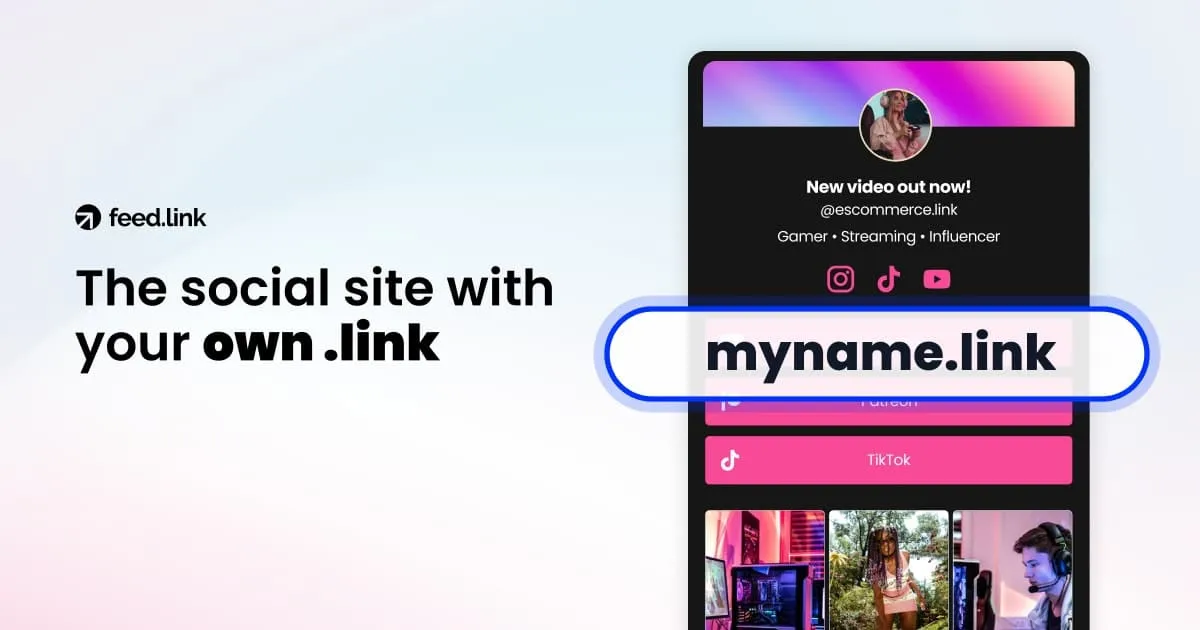
Why it stands out: It offers blog creation, post scheduling, email newsletter automation, and NFC-enabled digital business cards.
Freelancer use case: Sharing useful newsletters with clients (automated and effortless).
Key features
- Unlimited links on all plans
- Various templates, color palettes, and customization options
- Integrates with Instagram, TikTok, LinkedIn, and more
- Auto-send blogs and newsletters to subscribers
- Traffic and click analytics
Pricing: Free plan available. Starts at $6/month. Business plan is $19, agency plan is $29. Enterprise pricing is custom-based on needs.
Linktree vs Feedlink
Feedlink emphasizes showcasing social media feeds, such as Instagram or TikTok, directly on the bio link page, offering a more visual approach compared to Linktree’s text-based links. This suits users aiming to highlight their latest content.
Milkshake
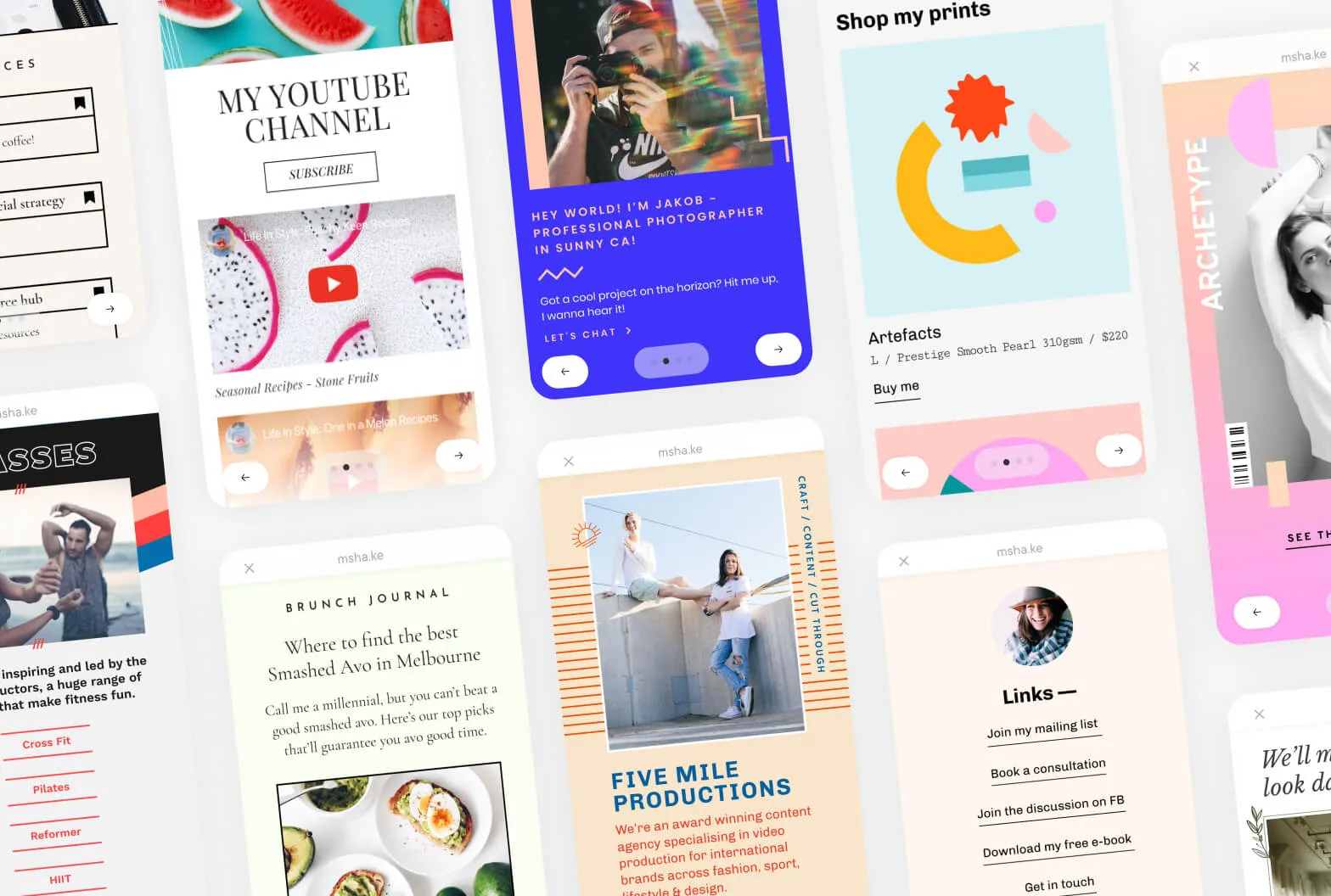
Why it stands out: You can create your own link-in-bio page in just minutes through the mobile app. Its card-based design offers a scrollable, eye-catching experience, much like Instagram Stories.
Freelancer use case:Showcasing your portfolio, services, or products directly from your phone–no desktop tools needed.
Key features
- Card-style, scrollable page layout
- Customization with text, images, GIFs, and videos
- Fully optimized for mobile use
Pricing: Milkshake is a paid tool. Plans start at $2.99 and go up to $99.99 annually.
- Lite - 1 Website: $2.99
- Pro - 1 Website: $6.99
- Pro - 1 Website: $59.99
- Pro Plus - 1 Website - 3 Month: $29.99
- Pro Plus - 1 Website - 1 Year: $99.99
Linktree vs Milkshake
Linktree offers more complex and varied features. But if simplicity, speed, and mobile access are your top priorities, Milkshake might be your best fit, especially if you just want to get it done fast.
Bio Site - Squarespace
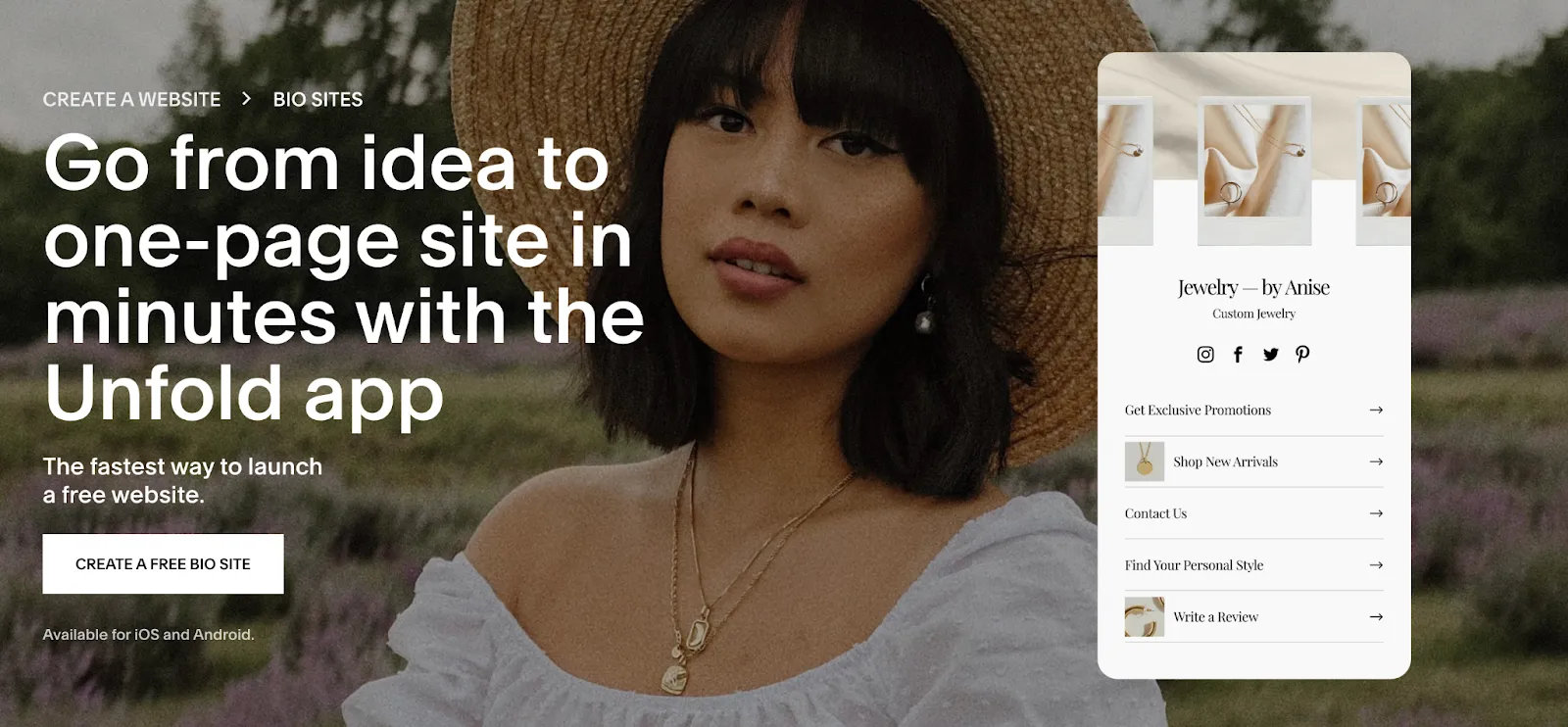
Why it stands out: It stands out by being free to start.
Freelancer use case: Showcasing portfolio and contact details on a stylish, professional-looking page.
Key features
- Aesthetic brand templates
- Customization with multimedia integration
- Available on both iOS and Android
To use a custom domain for your personal website, you’ll need to upgrade your Squarespace plan.
Pricing: Free plan available. Plans start at $16/month.
Linktree vs Bio Site
Bio Site, powered by Squarespace, allows for greater integration of multimedia content, such as videos and music, compared to Linktree’s primarily link-focused pages. This makes Bio Site suitable for users wanting a richer content experience.
Koji
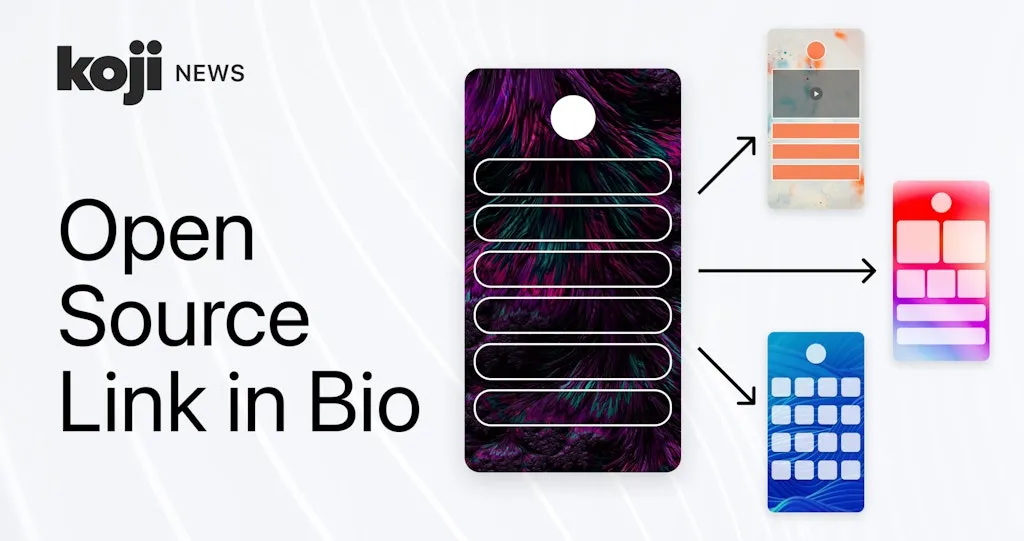
Why it stands out: Creating pages, templates, analytics, and sharing features are free on Koji.
Freelancer use case: Promoting services, announcing content (such as blogs, newsletters, podcasts), creating contact forms for clients.
Key features
- Create stylish social showcases
- Analytics for optimization
- Sell digital products
- Collect donations
- Offer consulting
- Mobile responsive
Pricing: Free plan available | Plans start from $49/year.
Linktree vs Koji
Koji differentiates itself by offering interactive mini-apps, such as quizzes and storefronts, enhancing user engagement beyond Linktree’s static link lists. This makes Koji ideal for creators seeking dynamic content presentation.
Linkpop
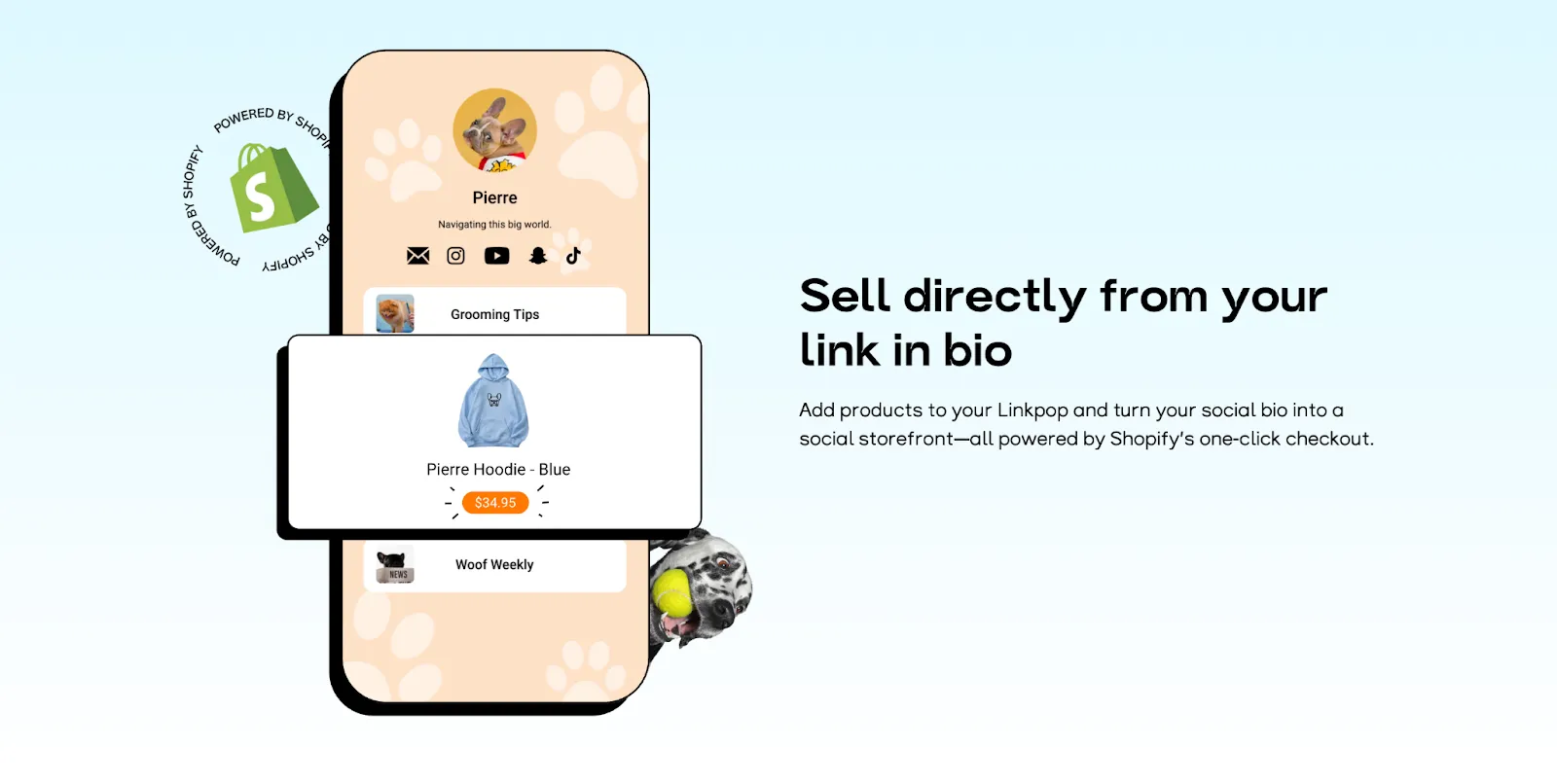
Why it stands out: Developed by Shopify, it allows direct product purchases from the landing page.
Freelancer use case: Seamless shopping experiences.
Key features
- Shopify integration
- Shoppable links
- Customizable design
- Partnerships with Shopify Collabs
- Shopify dropshipping integration
- Print-on-demand products
- Sales analytics
Pricing: All free
Linktree vs Linkpop
Linkpop is one of the top competitors to Linktree. It’s both free and offers integrated e-commerce apps. If you’re an e-commerce freelancer, print-on-demand and dropshipping products can take your business to the next level.
ContactInBio
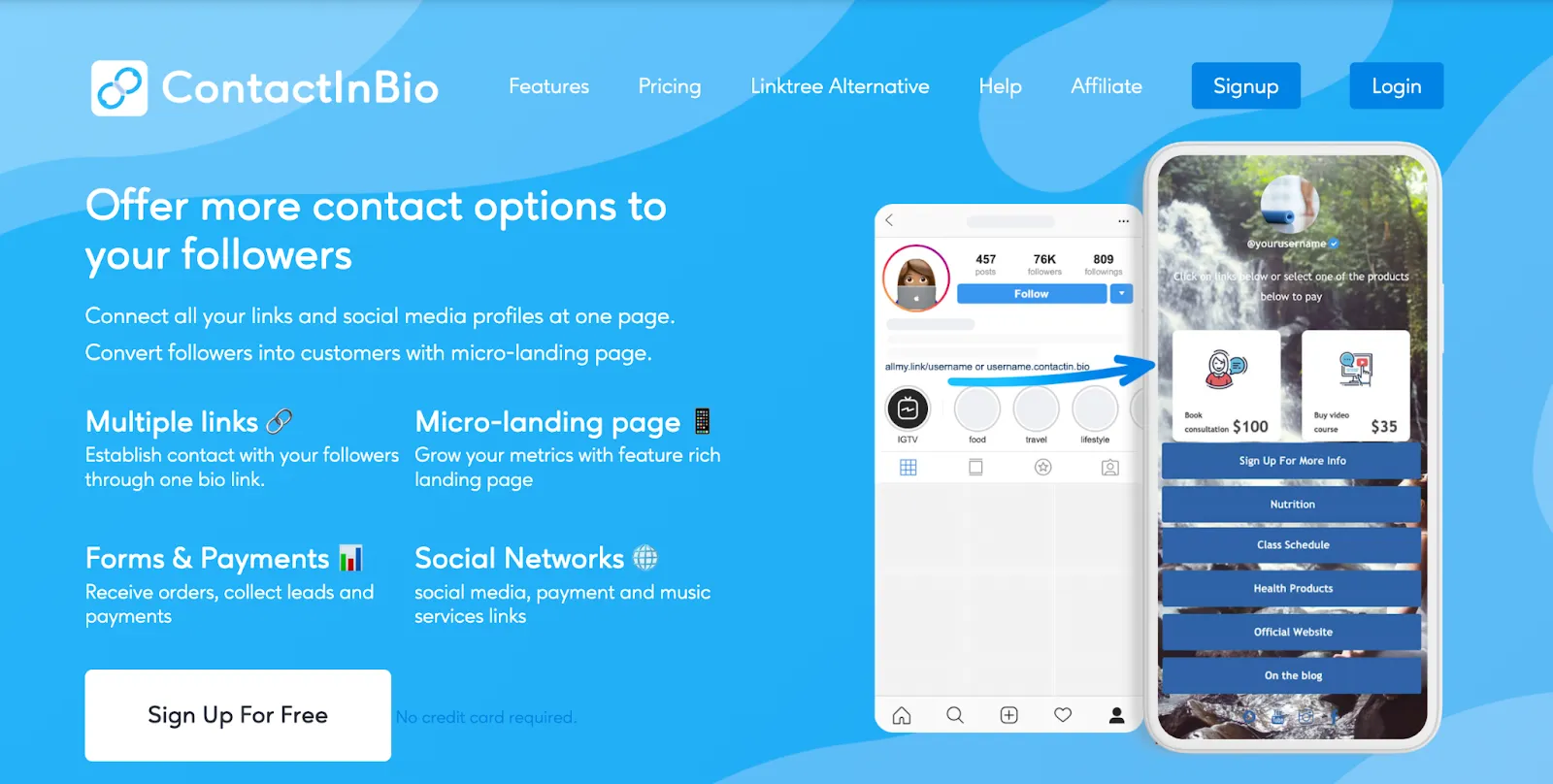
Why it stands out: Supports payment systems, contact forms, and rich media integrations.
Freelancer use case: Comprehensive lead generation and service offerings.
Key features
- Unlimited link additions
- Media integrations for customization
- Mobile-responsive design
- Visitor and click analytics
- Create an online store
- Accept payments
Pricing: Free plan available. Plans start from $4.55
Linktree vs ContactInBio
Linktree offers more aesthetic designs compared to ContactInBio. However, in terms of e-commerce and payment features, ContactInBio is more advanced than Linktree.
Replug
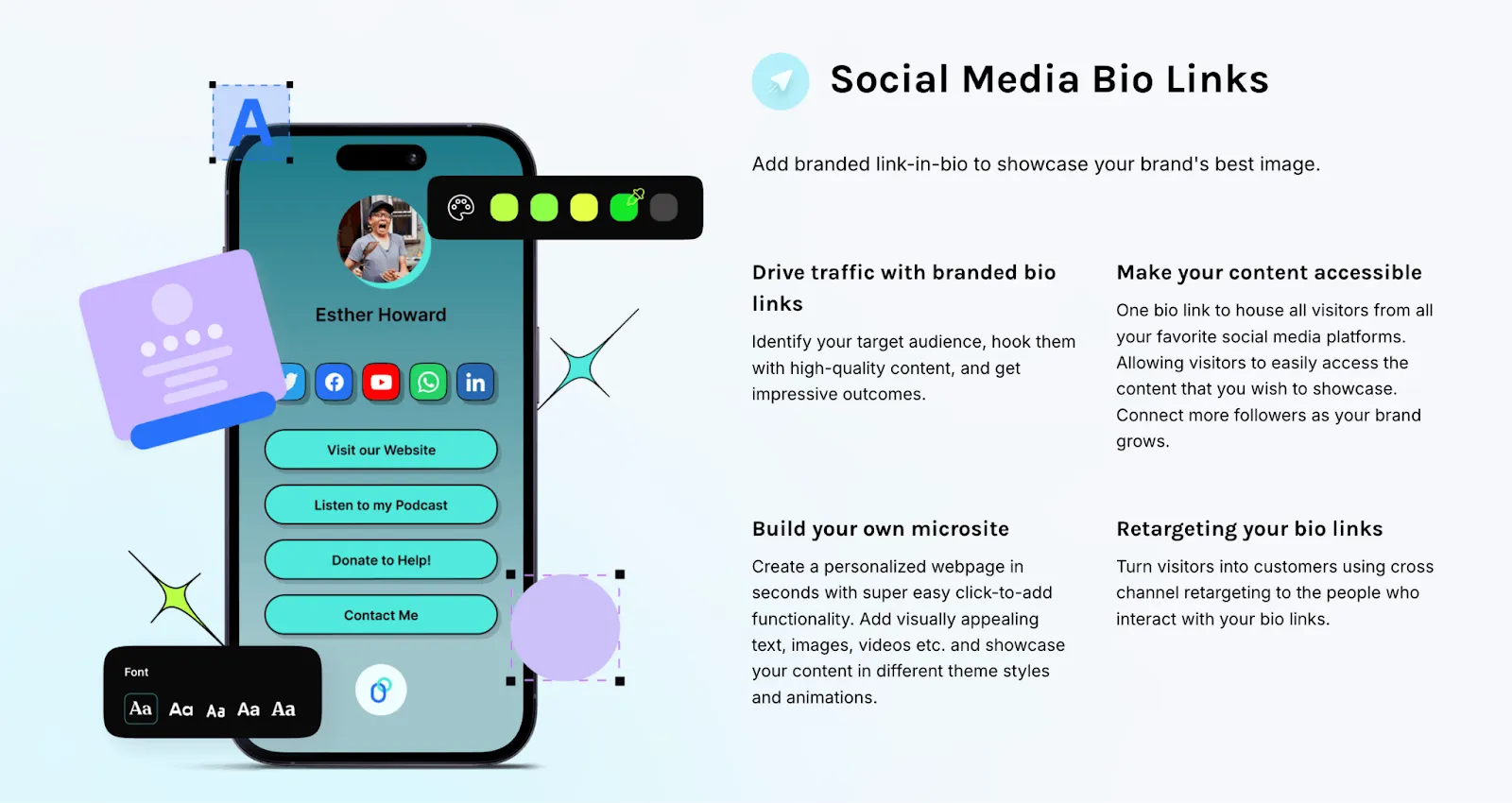
Why it stands out: A comprehensive link management solution with advanced features for marketers.
Freelancer use case: Retargeting, A/B testing, and deep analytics.
Key features
- In-depth link analysis
- Special domain names
- Visitor demographics
- Automatic reporting
- Branded emails
- Custom widgets
- QR generator
- RSS automation
Pricing: No free plan. Plans start from $19/month.
Linktree vs Replug
Replug is for marketers and freelancers who want to better understand their audience. It includes more pro analytics than Linktree with A/B tests, conversion analytics and visitor demographics. In short, it does more than Linktree except “make money”.
Woorise

Why it stands out: An all-in-one lead generation platform with customizable landing pages.
Freelancer use case: Running contests, surveys, or collecting leads alongside bio links.
Key features
- Drag-and-drop editor for landing pages
- Templates for giveaways, forms, and quizzes
- Integration with payment gateways and email marketing tools
- Receiving payments with PayPal payment integration
- Creating and publishing news budget
Pricing: Plans start from $23. Free trial available.
Linktree vs Woorise
Woorise’s strongest feature is capturing and engaging leads through quizzes, surveys, and newsletters. With PayPal payment integration, it also stands as a solid alternative to Linktree. If you’re a marketer, Woorise’s lead generation tools might just win you over.
Buffer Start Page
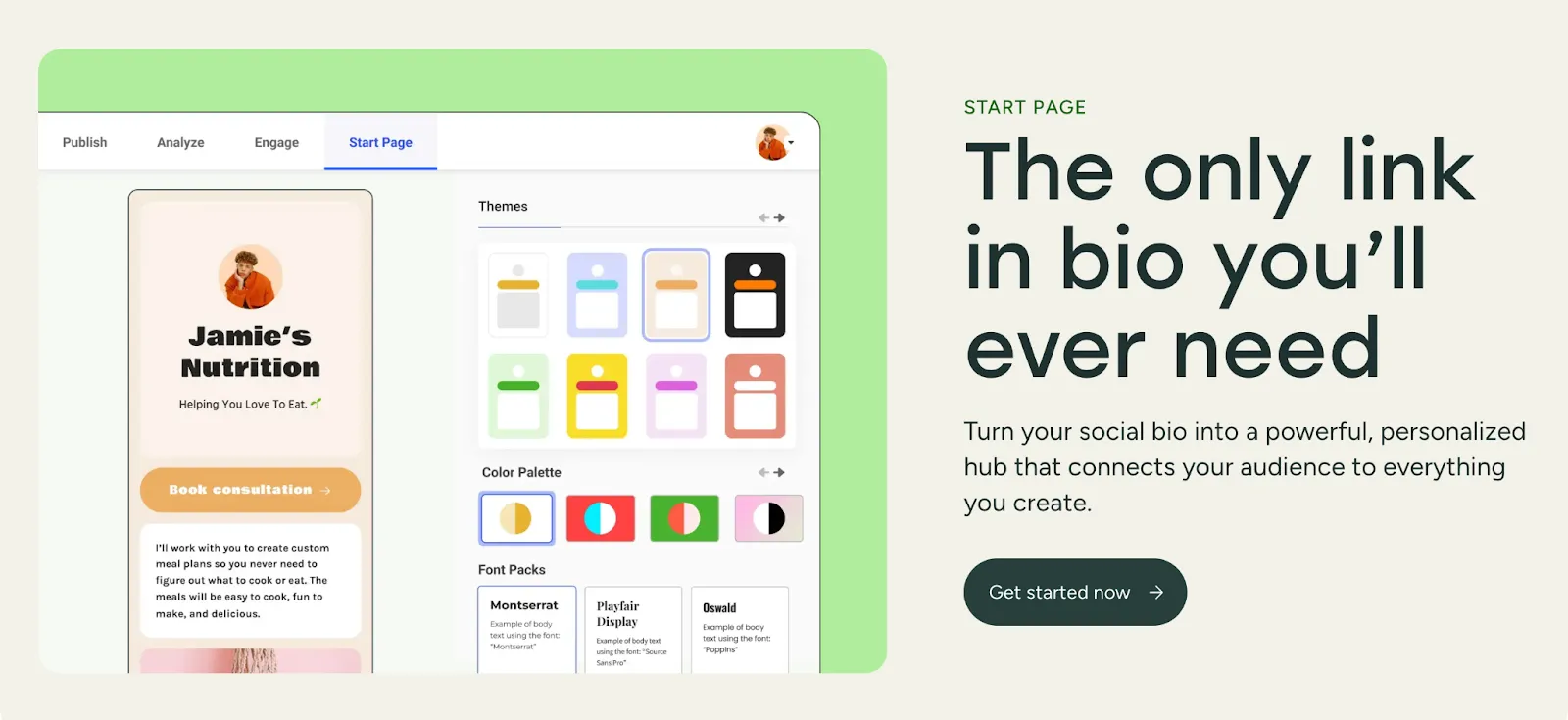
Why it stands out: You can create aesthetic-modern landing pages for free.
Freelancer use case: Growing on social media, increasing customer engagement and organizing social presence
Key features
- Fully customizable themes
- Easy to add photos and video
- Coding-free design
- Product display
- Email collection
- Interaction analysis
Pricing: No credit card required, free
Linktree vs. Buffer Start Page
Buffer Start Page doesn’t offer “Earn Money” options like Linktree. However, it’s completely free and can be more practical than Linktree for “link centralization,” simply because it doesn’t include any distracting features beyond its core purpose.
Related articles